Secon 4 - Customising the User Interface
informaon to display the screen below.
2. This screen displays all the selecons which are available from the machine, be aware
there may be more than one screen.
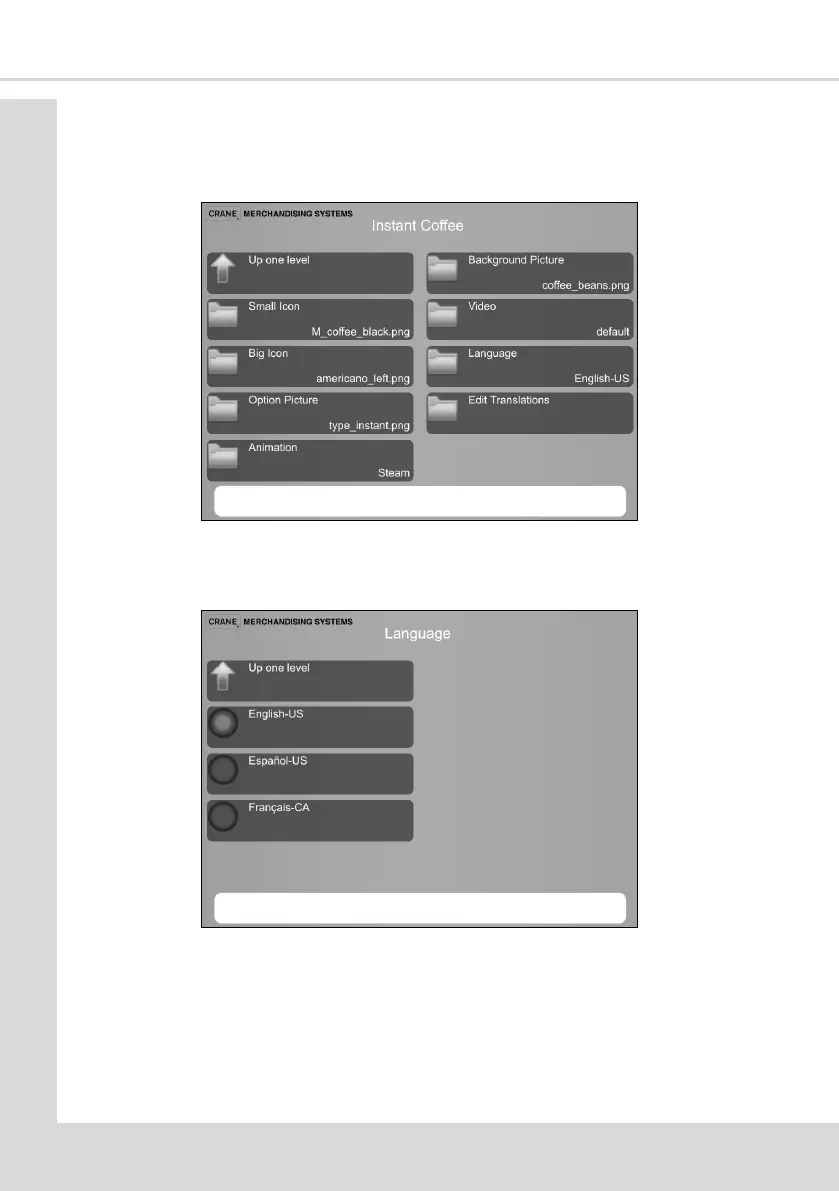
3. Select the product Instant Coee to be changed to display the following screen.
4. Select Language to display the available languages, select the required language and
then select Up one level.
5. Select Edit Translaons to select from:
Opon name
Product name
Product descripon



 To Next Page