Secon 3 - Programming Mode
Technical Manual
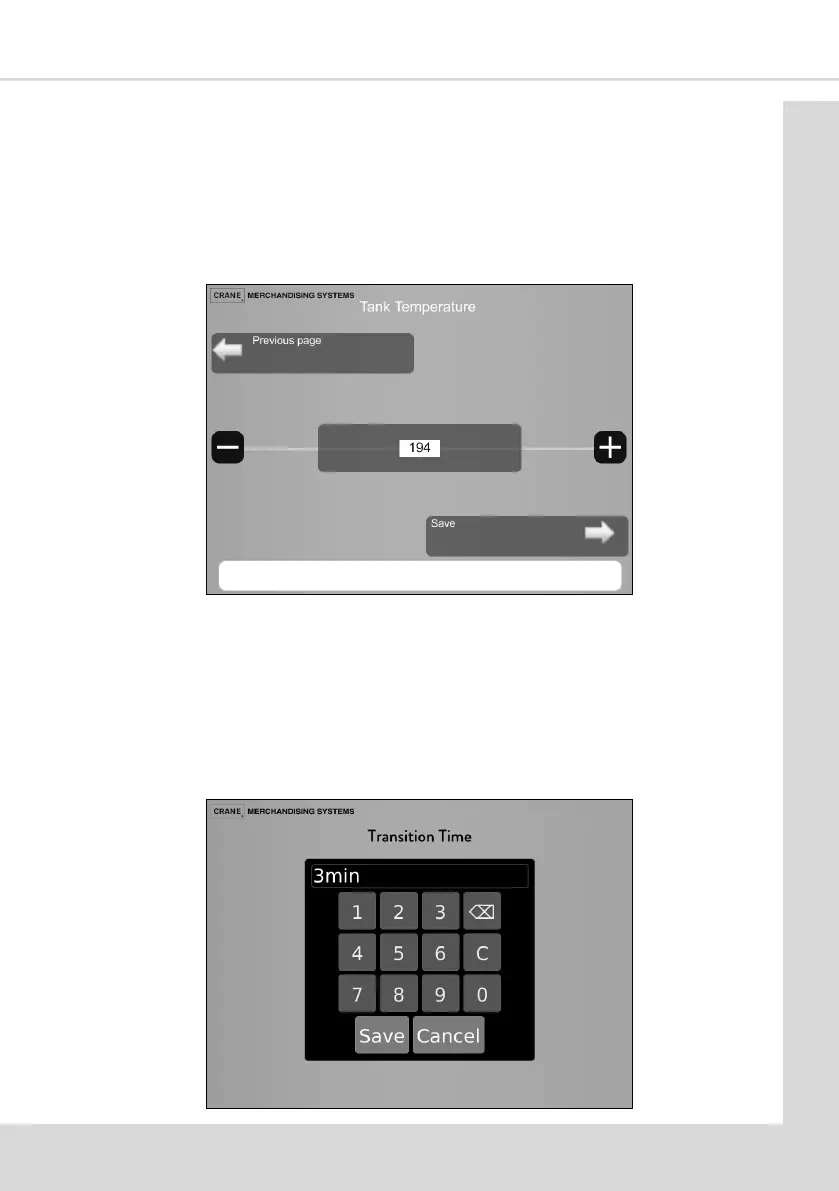
3.5.3 Value Increment
These screens enable a value to be increased or decreased, in this example seng the
Heater Tank Temperature.
1. Use the - or + icons to increase or the decrease the value as required.
2. Select Save to save and apply the new value.
3. Select Previous page to return to the previous page without saving any changes .
3.5.4 Value Entry
These screens enable a value to be entered.
1. Enter the required value and select Save.
2. C - clears any displayed value.
3. Cancel—exists the screen with no change in value.



 To Next Page