Secon 5 - Engineer’s Program
Technical Manual
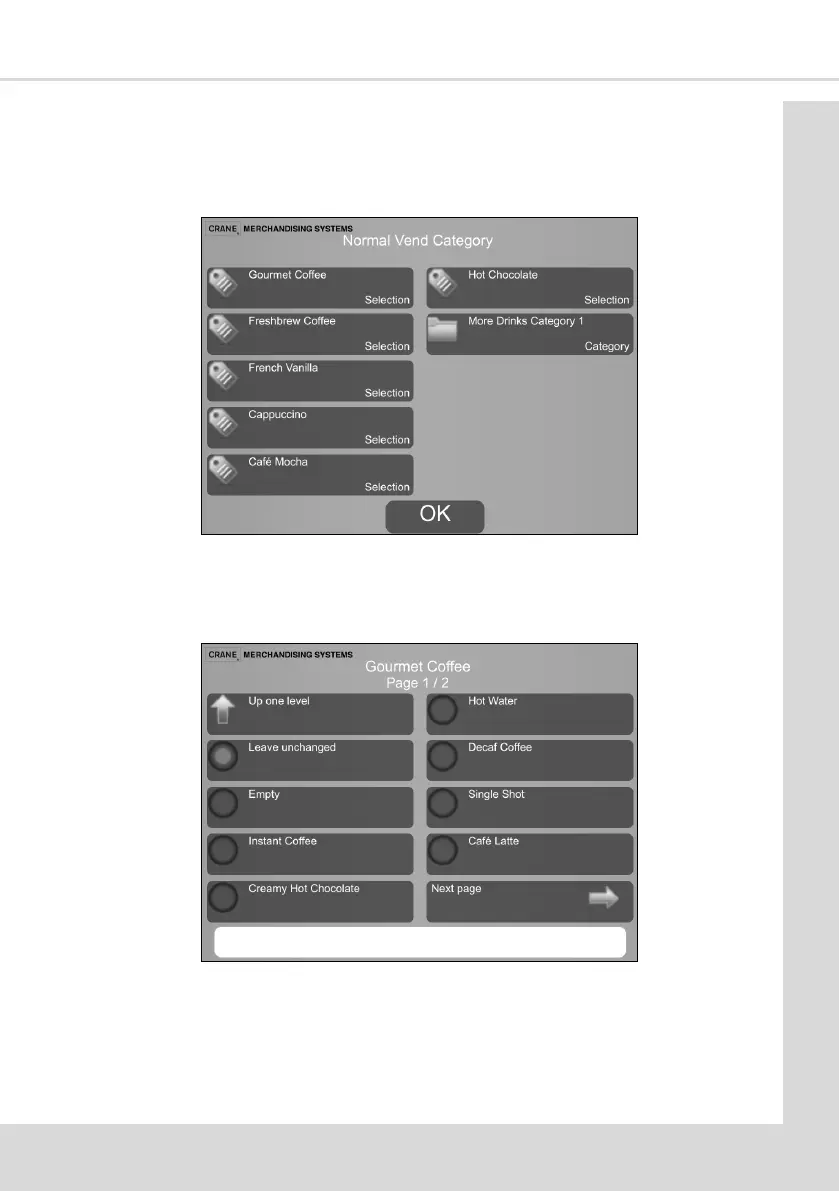
To move the posion of the drink, select the posion on the screen and you will then be
shown a list of all drinks available which are not currently on that page. Select the drink you
require and press Up one level. You will see below you have the opon to Leave unchanged
should you have selected a posion by mistake.
There is also an Empty selecon if you require a space on the selecon screen.
Note: The rule is, you can not have the same drink in more than one posion on a screen,
you can however have the same drink on every screen if required.
This is what you would see if for example Gourmet Coee was selected.
Depending on the conguraon in use it may be possible to display a Category of drink or a
Selecon.
If the customer chooses a drink set up as a Selecon, only that one drink will be available to
them. If they choose a drink set up as a Category they will then have to choose from another
menu.



 To Next Page