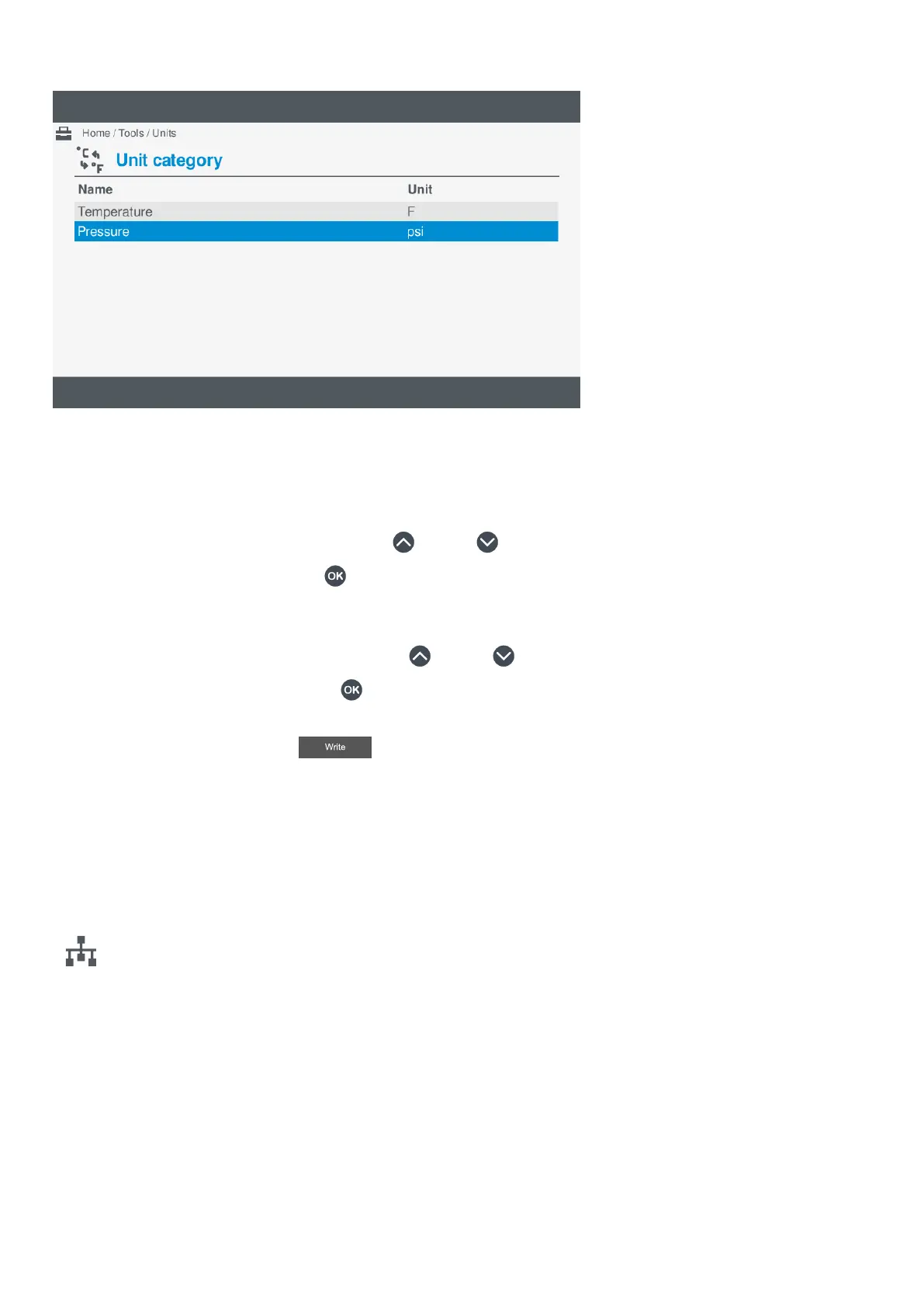
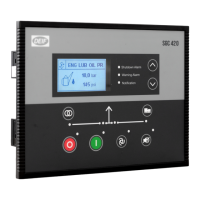
Figure 10.2 Example units screen
Changing unit setting
To change the unit setting, perform the following steps:
1. Select Tools, from the Home menu.
2. Select Units, from the Tools menu.
3. Highlight the required unit category by pressing Up
or Down .
4. Select the unit category by pressing OK .
• A list of possible units of measure for the category are shown on the screen.
• The currently selected unit of measure is shown with a solid box.
5. Highlight the required unit of measure by pressing Up
or Down .
6. Select the unit of measure by pressing OK .
• The selected unit of measure is shown with a solid box.
7. To confirm the change, select Write
.
• The setting becomes saved to the display unit.
• You are returned to the previous screen.
10.5 Communication
10.5.1 About communication
Configure communication information under
Tools > Communication.
The communication page allows you to view or configure the settings for either:
• Controller communication
• Display unit communication
On the controller communication page, you can also run Identify controller to help locate the controller rack that you are currently
connected to.
OPERATOR'S MANUAL 4189341099G UK Page 110 of 130



 To Next Page