11.2 Log
11.2.1 Review log events
Events that occur during the operation of the controller are recorded in the event log.
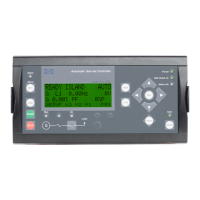
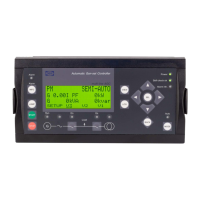
View the events that have occurred in the system under Log.
Reviewing log events
To view a log entry, perform the following steps:
1. Select Log to view the event log.
2. Scroll through the event log by pressing Up or Down .
3. Select an event by pressing OK .
4. Select either Info or Diagram by pressing Up or Down and pressing OK .
5. Further details of the event are shown on the display.
OPERATOR'S MANUAL 4189341099G UK Page 120 of 130



 To Next Page