7.10.3 Configure function(s)
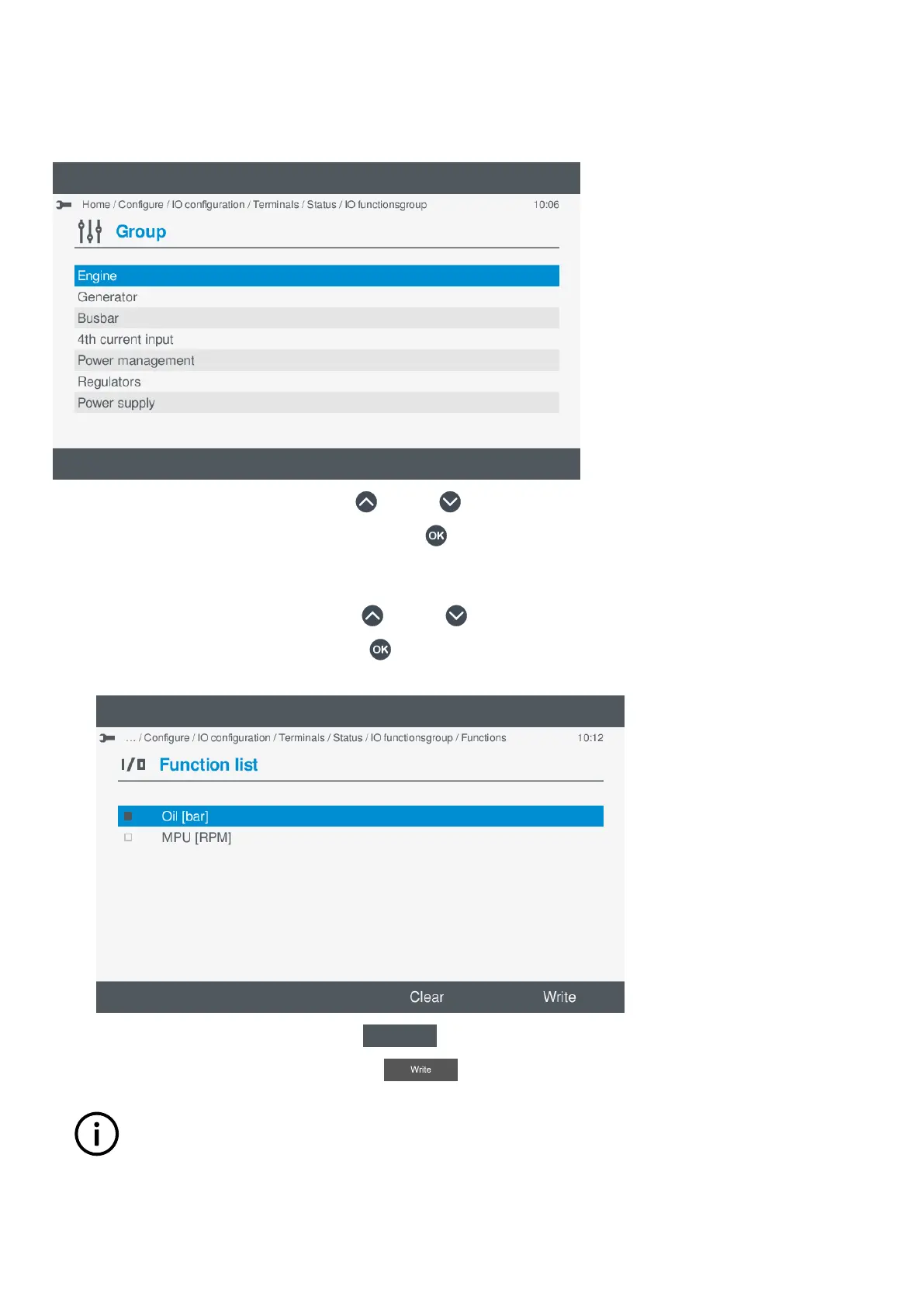
The functions available are organised in categories and groups, which are similar to a tree structure view.
Selecting a function
1. Highlight a category or group by pressing Up or Down .
2. Select the highlighted category or group by pressing OK .
• Another group may be shown or the function list to select the actual function.
• If another group is shown, repeat step 1 to locate and open the required group.
3. Highlight the required function by pressing Up
or Down .
4. Enable the highlighted function by pressing OK
.
• Selected function is shown with a solid box.
•
5. To clear all the Enabled function, select Clear
.
6. To save the settings to the controller, select Write .
INFO
This only applies to the selected function and does not apply to other I/O change(s).
7. The added function is shown on the screen:
OPERATOR'S MANUAL 4189341099G UK Page 80 of 130



 To Next Page