User Manual for DEVO-12 Page 101 of 238
1.5 Date & Time
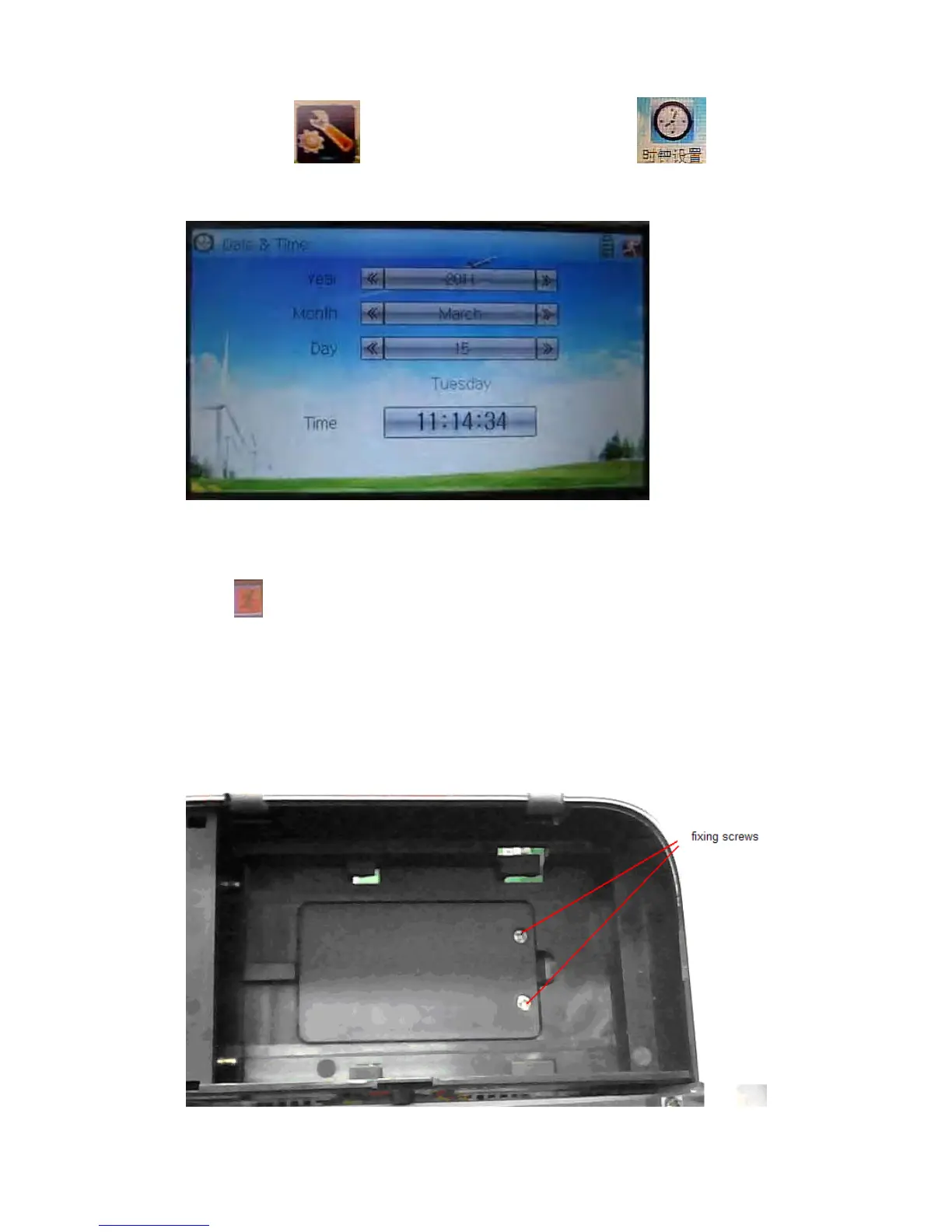
Touch the icon to enter System Menu and then touch to enter
the item of “Date & Time”.
The clock setting is grouped into Year, Month, Day, and Time. Touch the navigation
marks, respectively, to make modifications.
Touch
to save and exit.
Note: if incorrect turn on time or production time appears, one possibility is that the
power supply for the clock is not enough. Replacing a new button cell is a must.
The method for changing button cell:
Turn off the power of your DEVO-12 and take off its battery pack. Use a cross
screwdriver to remove the two fixing screws on the fixing board.



 To Next Page