User Manual for DEVO-12 Page 103 of 238
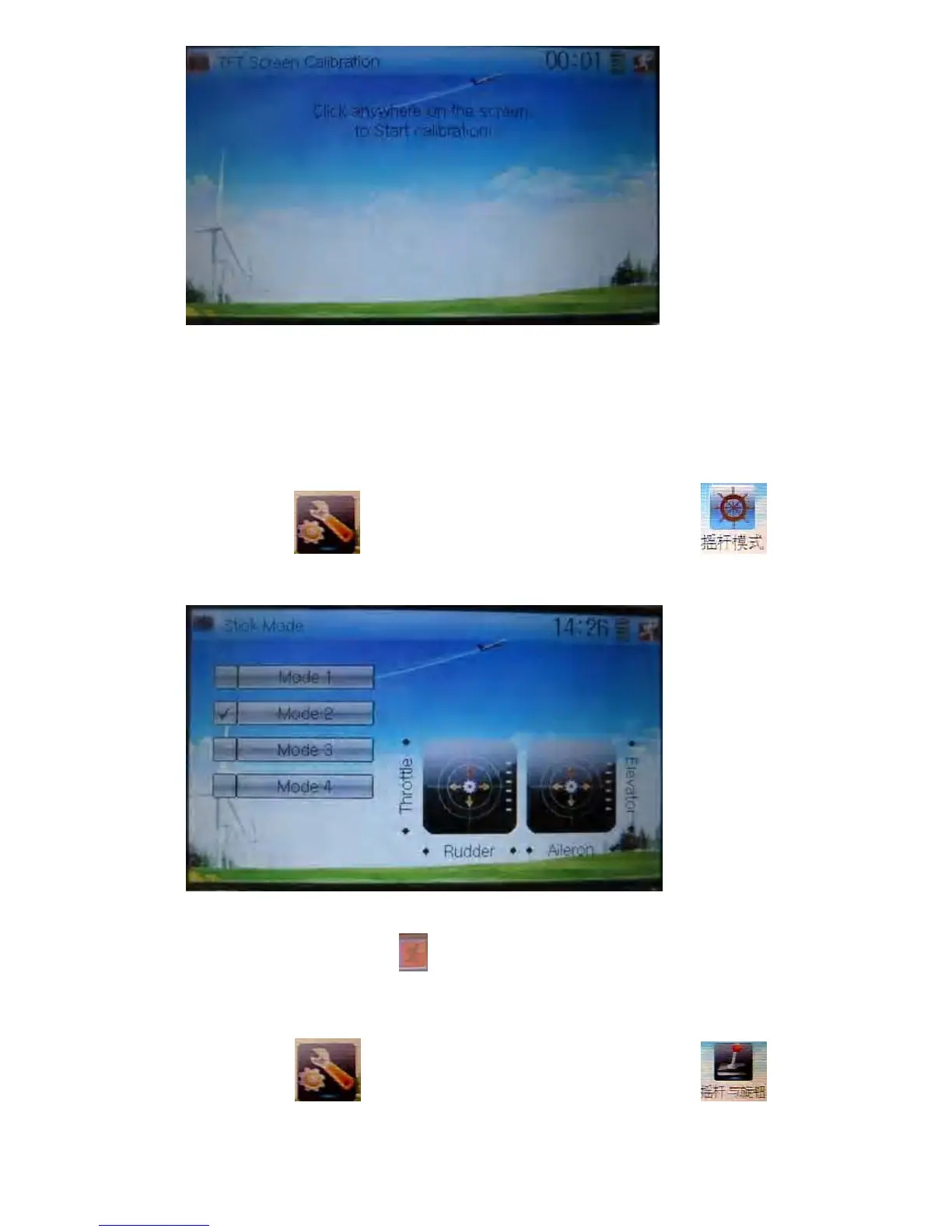
Click anywhere on the screen to start calibration with the touch pen, and then follow
the indication to calibrate. It will automatically return to System Menu after the
calibration is finished.
1.7 Stick mode
Touch the icon to enter System Menu, and then touch the icon
to enter Stick Mode.
There are four stick modes from MODE 1 to MODE 4. Select the stick mode you
desire and then touch the icon
to exit.
1.8 Stick and lever
Touch the icon to enter System Menu and then touch the icon
to enter Stick and Lever. There are two items in the interface: Stick Direction and Stick



 To Next Page