User Manual for DEVO-12 Page 50 of 238
Select.
Choose the model type and then touch the icon
to exit.
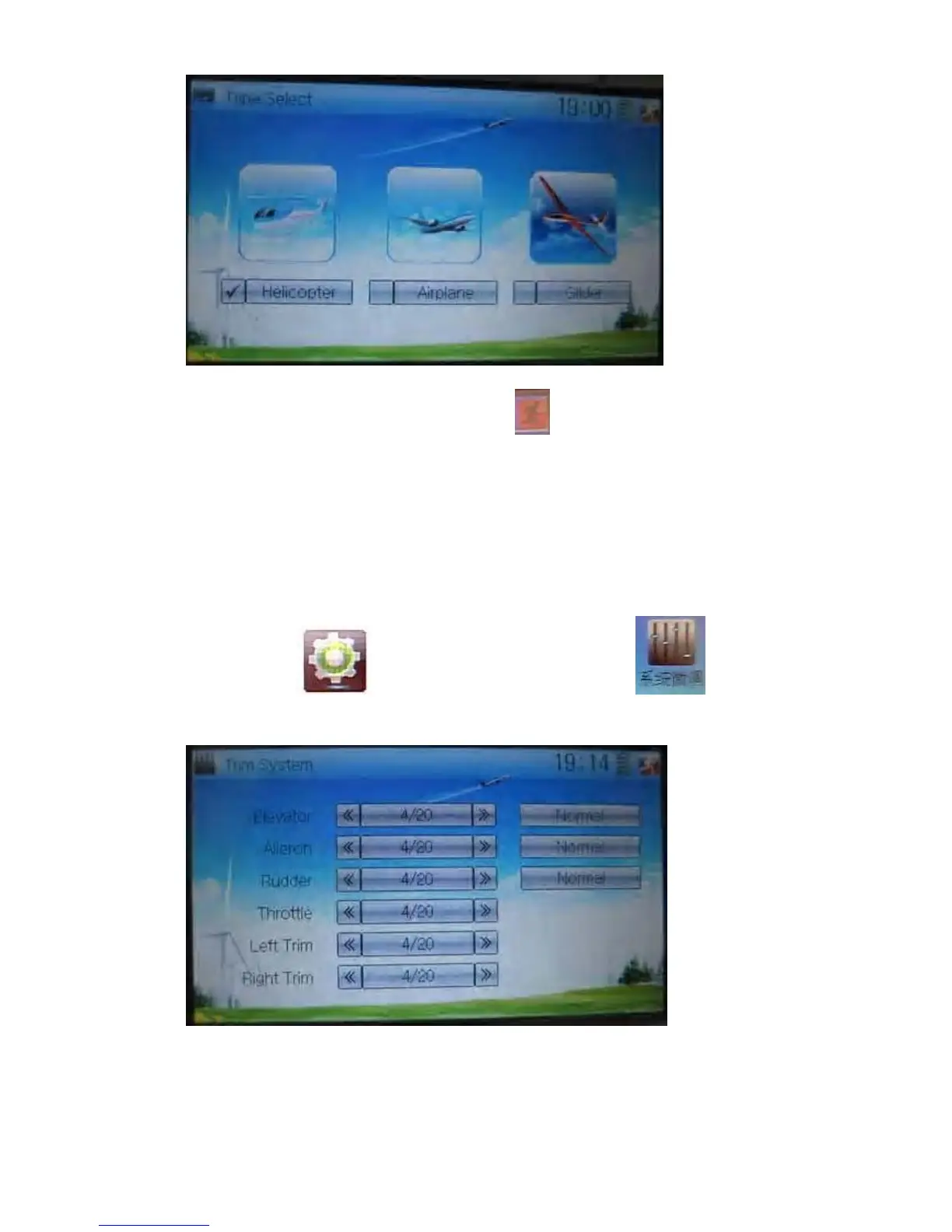
2.7 Trim system
Trim System is able to finely tune the following six items, respectively: Elevator,
Aileron, Rudder, Throttle, Left Trim, and Right Trim. The trim range is divided into 20
grades (factory default is set at 4). It is convenient to subtly modify the pitch by
adjusting the trim range.
Touch the icon
to enter Model Menu and then click to enter
Trim System.
Touch the corresponding navigation mark to change the trim value. The bigger the
trim value is, the bigger the trim range will be.
For elevator, aileron, and rudder, there are two more options: Normal and Limited.



 To Next Page