User Manual for DEVO-12 Page 34 of 238
10 Rudder trim 20 Throttle hover
trim
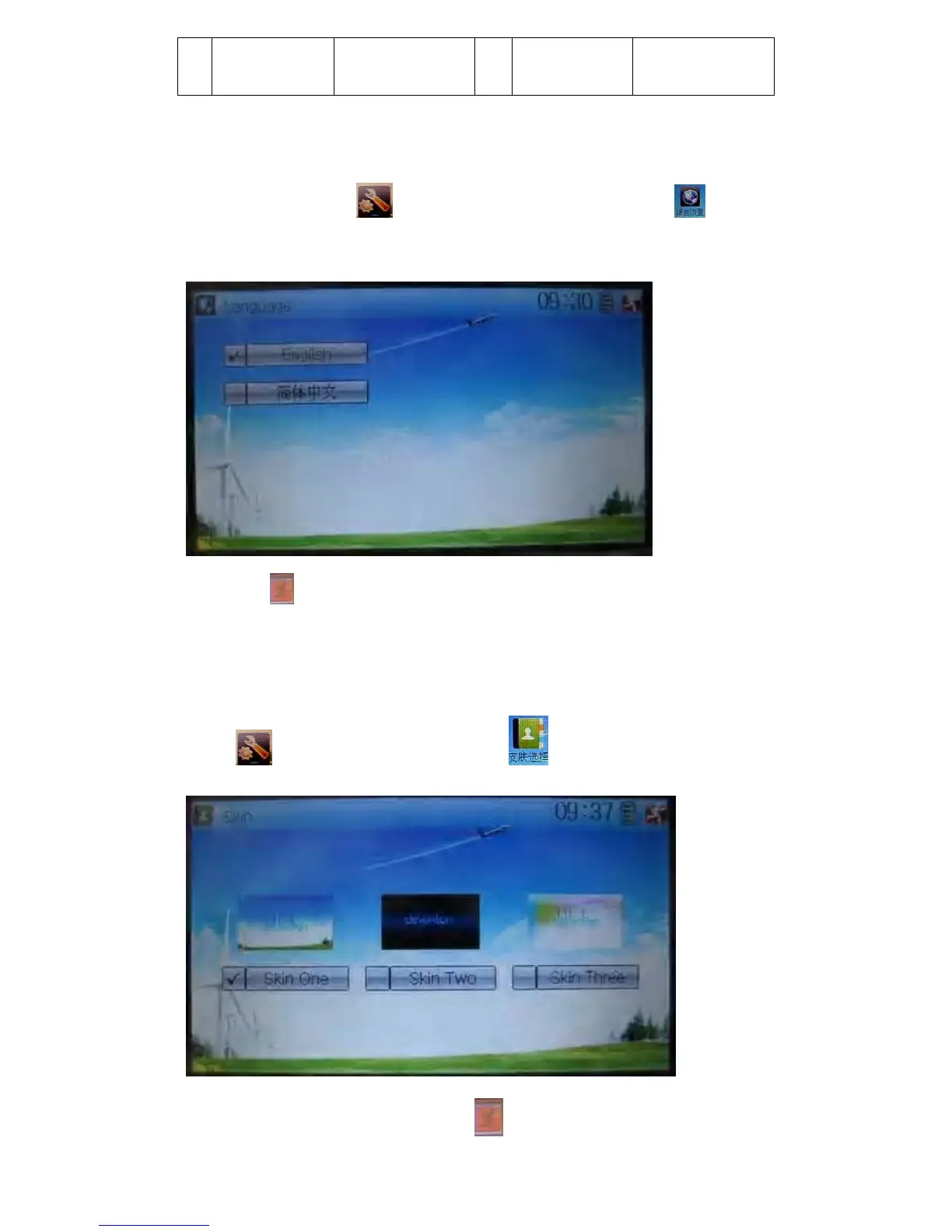
1.1 Language setting
Touch the shortcut icon to enter System Menu and then touch to enter
the interface of Language. Touch the language that you want to select. A “√” will be
shown on the screen after selected.
Then touch
to save and exit.
1.2 Skin selection
DEVO-12 offers three skins for your selection.
Touch
to enter System Menu and touch to enter Skin.
Touch the skin you desire and then touch
to exit.



 To Next Page