User Manual for DEVO-12 Page 78 of 238
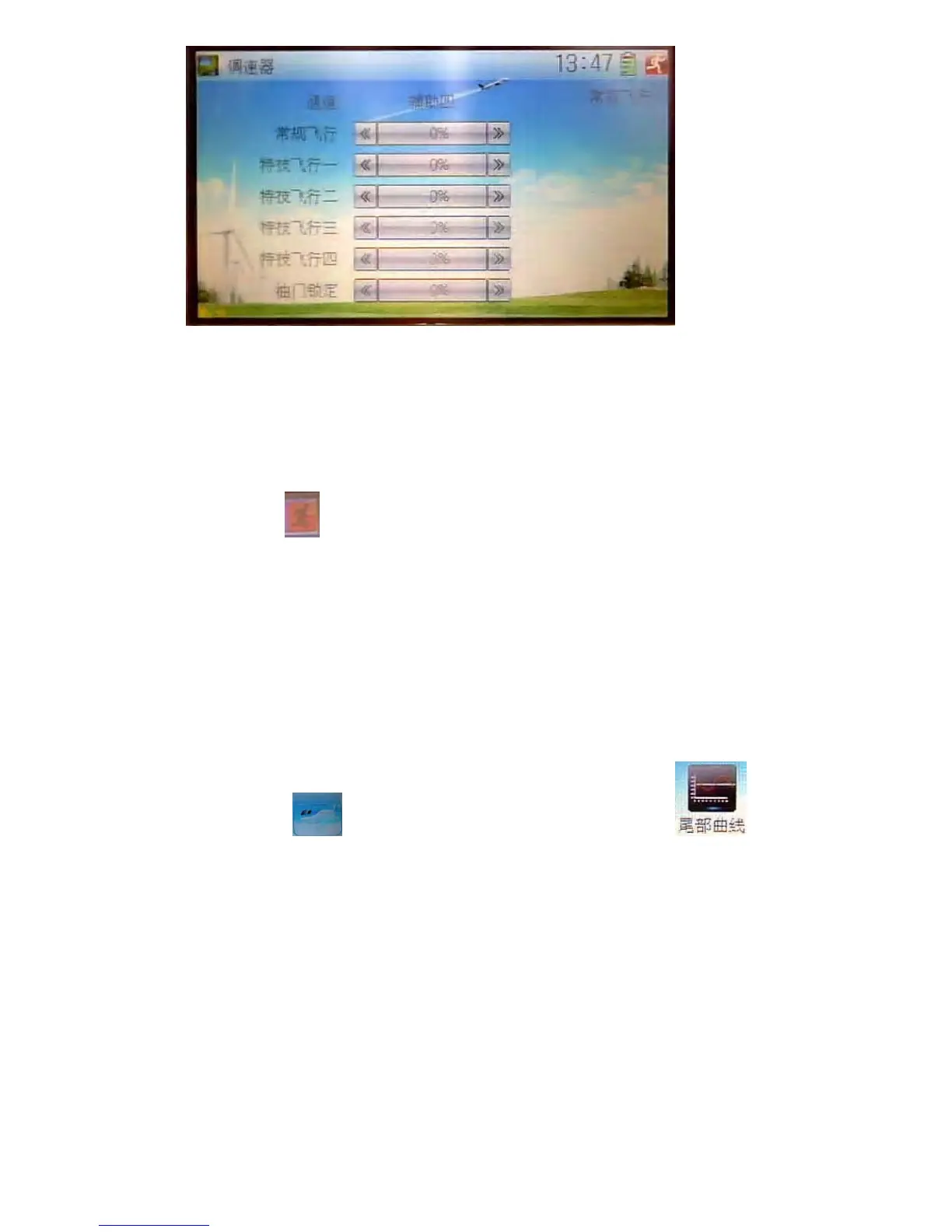
The output channel, current statuses of flight modes and usable flight modes are
shown in the interface. According to the requirement, touch the corresponding flight
mode to set the amount. Click the left or right navigation mark to separately decrease
or increase the amount. The adjustable range is ± 125%.
The usable flight modes include Normal Mode, Stunt 1, Stunt 2, Stunt 3, Stunt 4, and
Throttle Hold.
Click the icon
to exit after finished.
3.10 Tail curve
This function is mainly used for amending the reaction torque produced by pitch
change of main rotor blades. It is possible to set the mix amount at any hovering point
as the benchmark.
The mix amount in various flight modes can be set, respectively;
Setting method:
Touch the icon
to enter Function Menu, and then click the icon to
enter the interface of Tail Curve. There will be shown an enquiry of “All Servo Hold?”
Click OK for locking the current statues of all servos, and Cancel for unlocking the
current statues of all servos.



 To Next Page