User Manual for DEVO-12 Page 51 of 238
“Normal” means the trim is always working although the corresponding stick stays
anywhere. “Limited” means the trim is out of working when the corresponding stick is
at maximum position.
2.8 Stick position
The stick can be used as a switch. The turn-on or turn-off position at which the stick
stays can also be settable.
Method for setting:
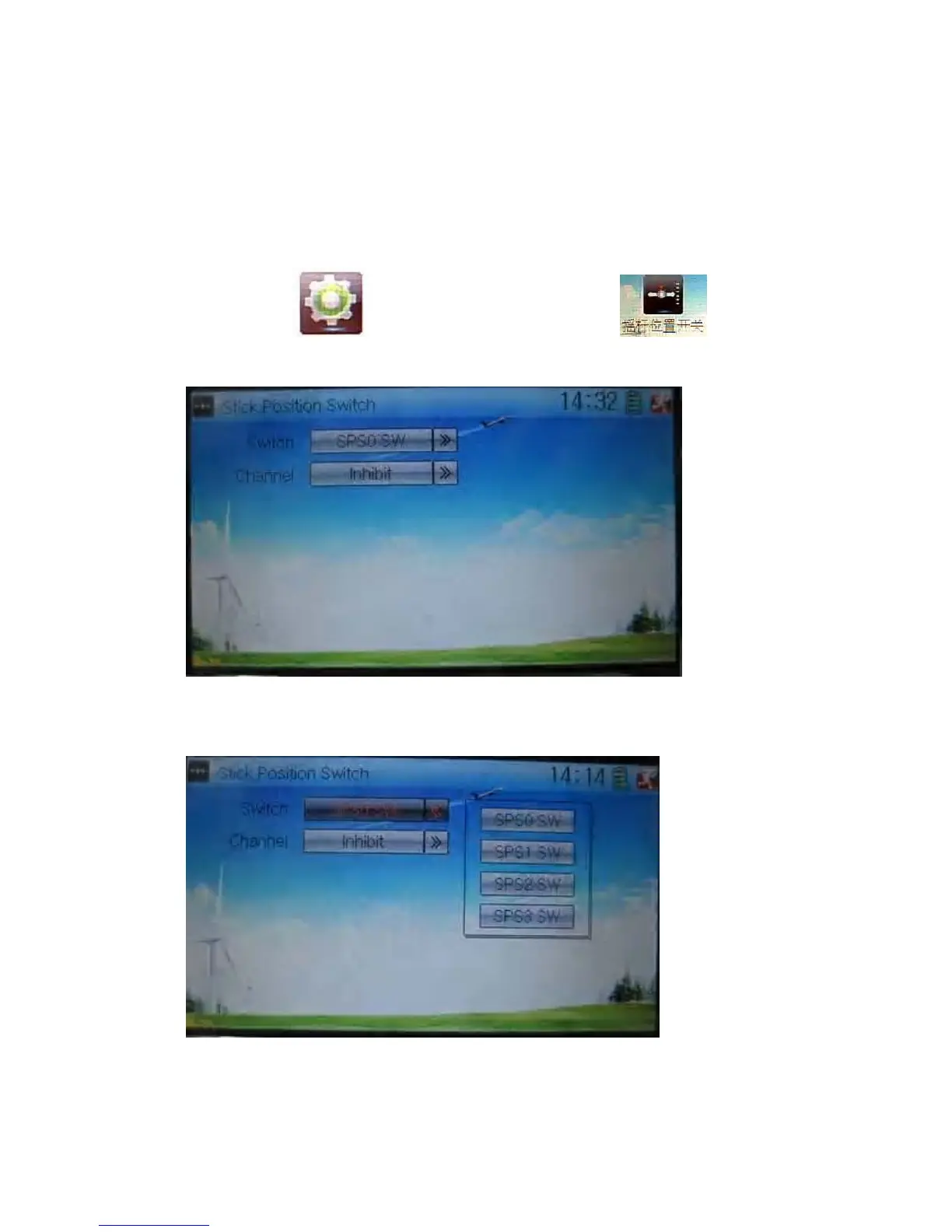
Touch the icon to enter Model Menu and then click to enter
Stick Position Switch.
Click the navigation mark of Switch. It pops up a drop-down menu: SPS0, SPS1,
SPS2, and SPS3. Choose the switch you want to define.
Then touch the navigation mark of Channel. It expands into five items: Inhibit, Elevator,
Aileron, Throttle, and Rudder. The factory default setting is Inhibit. Choose the stick
you want to set as “switch”.



 To Next Page