User Manual for DEVO-12 Page 149 of 238
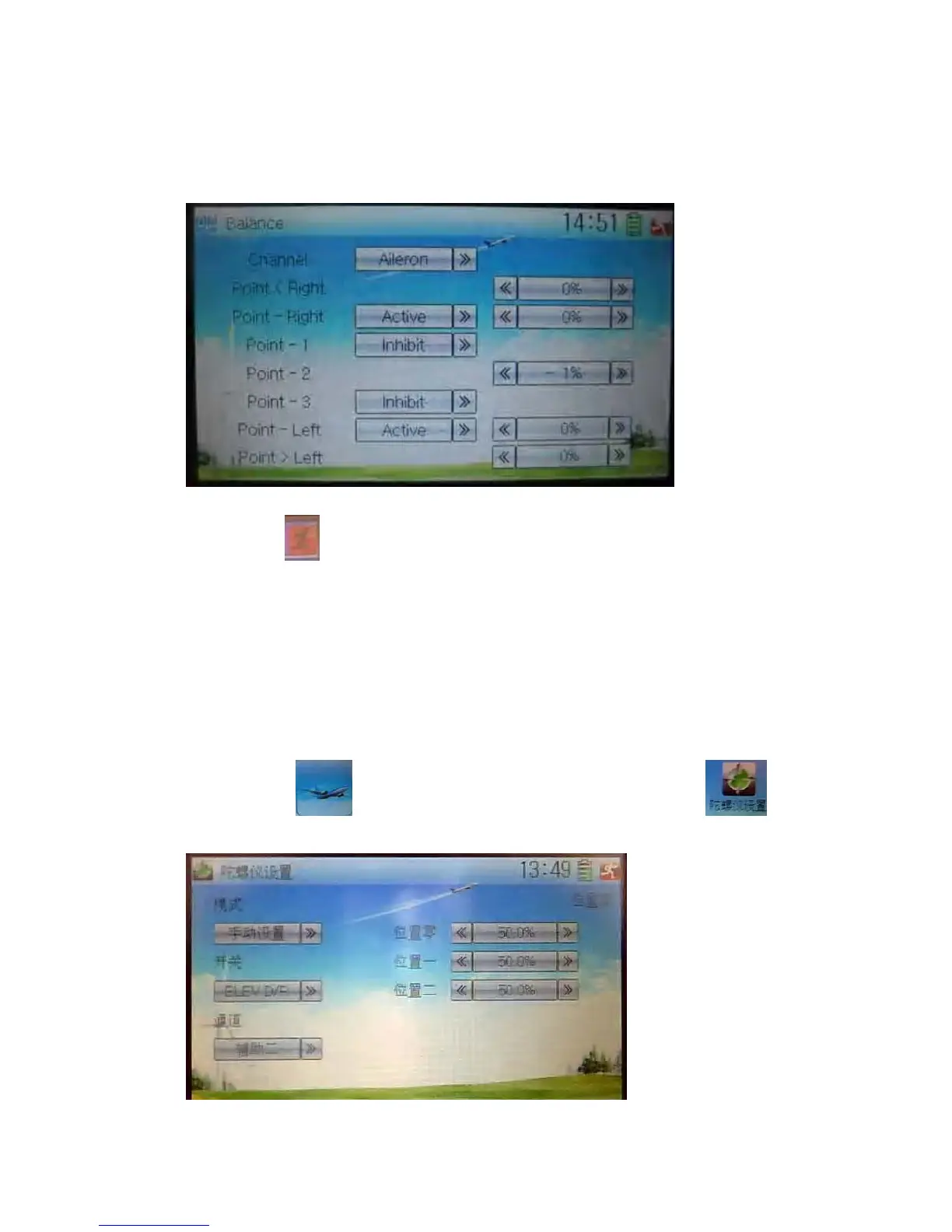
2) Point parameter adjustment
Touch the navigation mark of Point that you want to select, and pops up a dropdown
menu including Inhibit and Active. Click Active for adjusting the value by touching the
left or right navigation mark. 0% means no adjusting. A minus value means the
amending direction is downward, and a plus value means the amending direction is
upward.
Click the icon
to exit after finished.
3.10 Gyro sensor
This function offers the gain adjustment for gyro sensor, which can be manually set
through D/R switches or Flight mode switch, and also is possible to be automatically
switched various gains through flight mode switch. (The flight mode should be
activated. Refer to “2.10 Device Select” for).
Setting method:
Touch the icon
to enter Function Menu, and then touch the icon
to enter the interface of Gyro Sensor.
A) Manual setting



 To Next Page