User Manual for DEVO-12 Page 112 of 238
Choose the save position in the right name list by touching. Enquiry information “Are
you sure?” is shown after clicking the save position. Click OK for save and the current
interface will automatically return to Mode Menu. Click Cancel for rejection.
Touch the icon
to exit.
2.5 Model reset
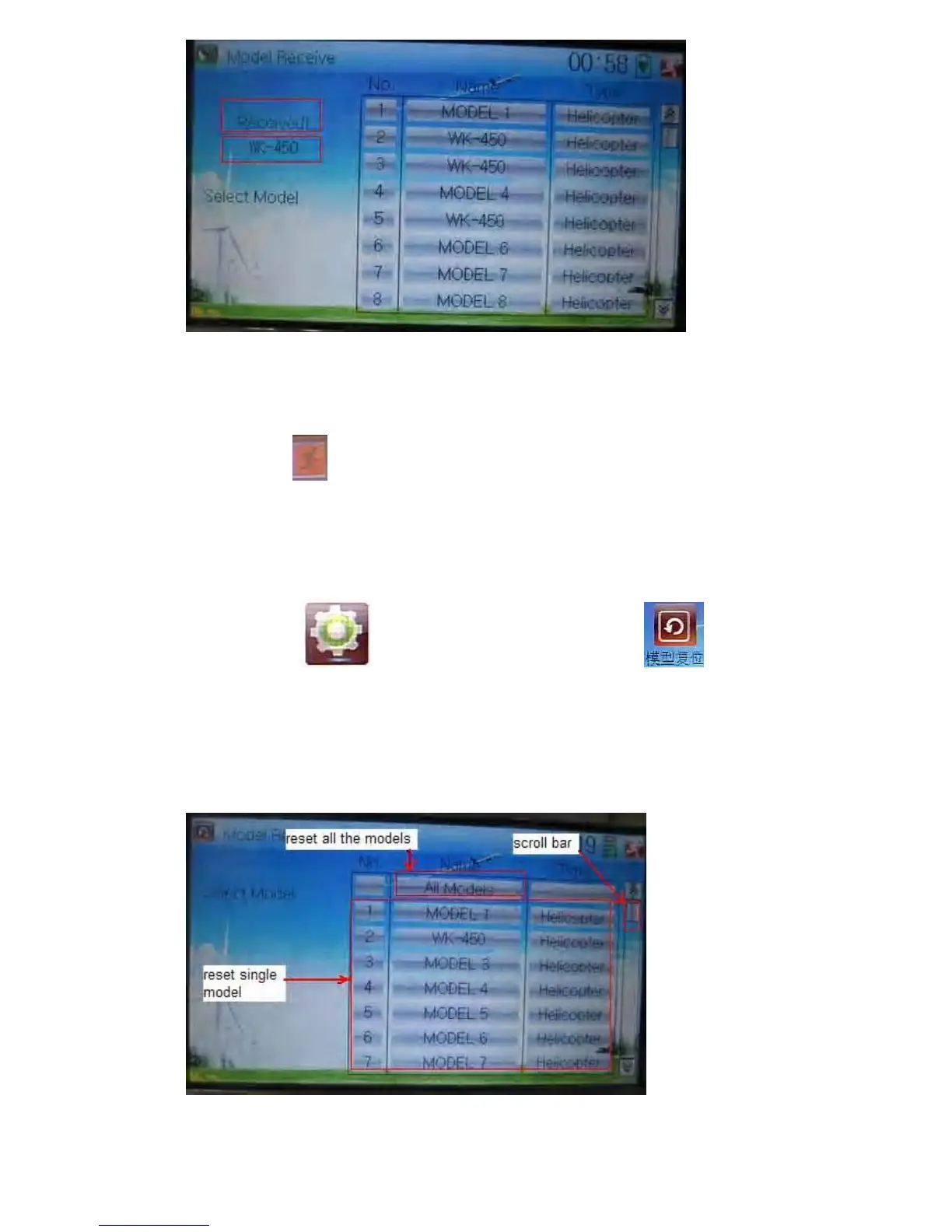
All the model data can be restored to factory settings via Model Reset.
Touch the icon
to enter Model Menu and then click to enter
Model Reset.
It is possible to store 60 models data in the model list of DEVO-12 equipment. There
are two methods to reset the model data: batch reset and single reset.
Method for batch reset:



 To Next Page