User Manual for DEVO-12 Page 227 of 238
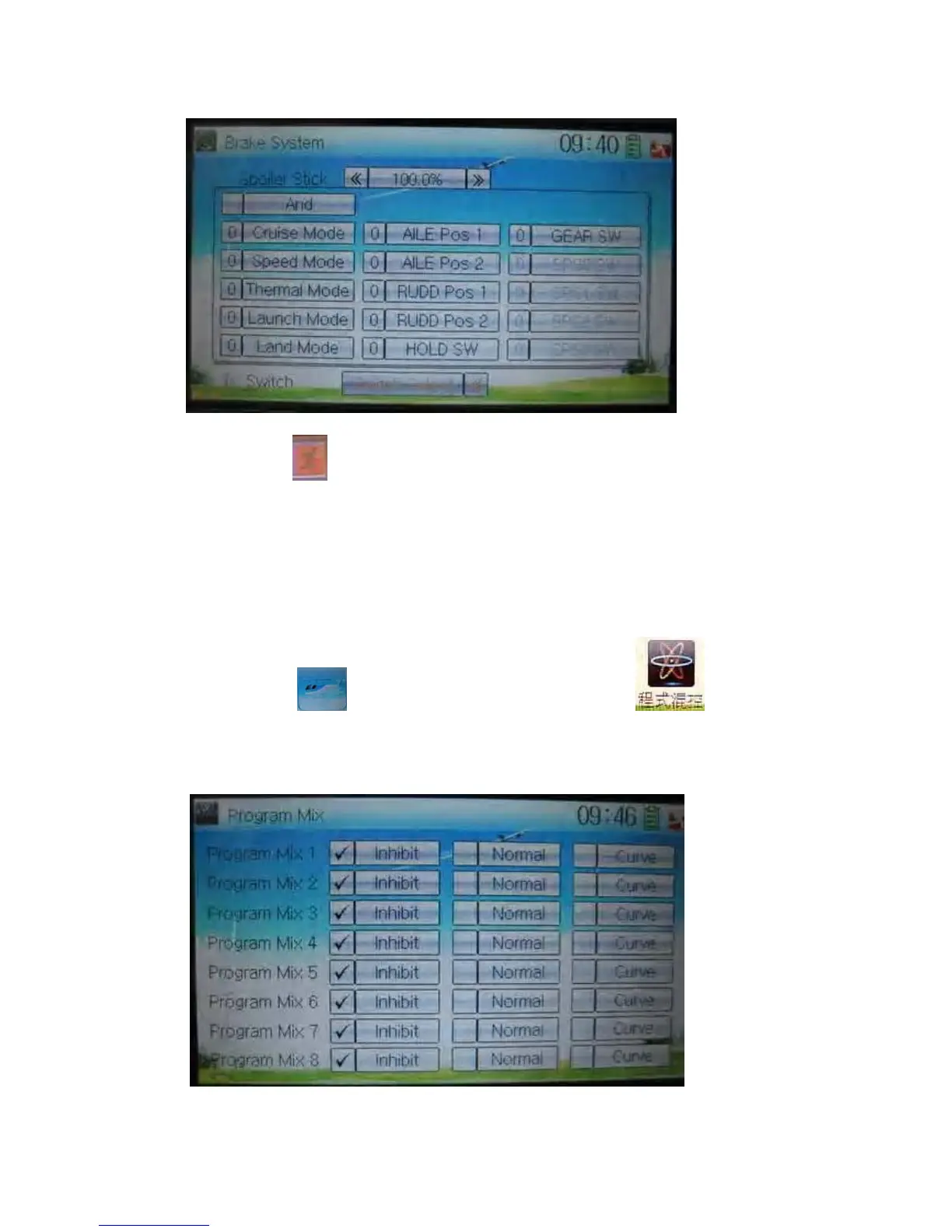
Touch the navigation mark of Switch and expand a selectable list shown as below.
Touch the desired switch item to make “0” turn into “1”. If two or more switches are
chosen, the item And should be selected.
Touch the icon
to exit.
3.18 Program mix
There are total eight sets of Program Mix. It is possible to freely set the channels and
amounts which you want to select and amend, respectively.
Setting method:
Touch the icon
to enter Function Menu, and then click to enter
the interface of Program Mix. Eight Program Mix names and their current statuses are
shown (the factory default setting is Inhibit). Take Program Mix 1 as an example to
show how to use.
.
A) Setting method for Normal in Program Mix 1



 To Next Page