User Manual for DEVO-12 Page 38 of 238
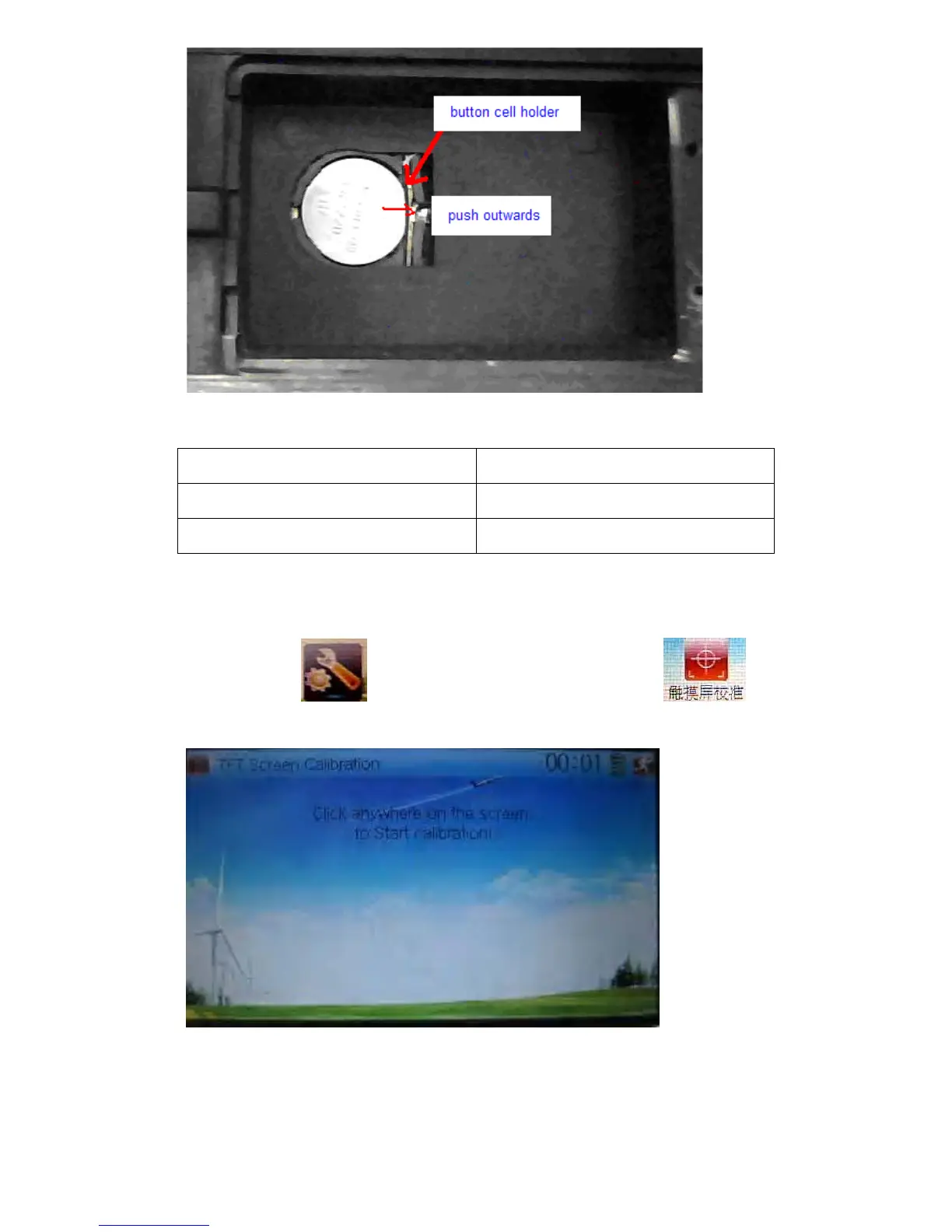
Cell size: CR 1220 3V
English Your language
Button cell holder
Push outwards
1.6 TFT screen calibration
Touch the icon to enter System Menu and then touch to
enter the interface of TFT Screen Calibration.
Click anywhere on the screen to start calibration with the touch pen, and then follow
the indication to calibrate. It will automatically return to System Menu after the
calibration is finished.



 To Next Page