User Manual for DEVO-12 Page 176 of 238
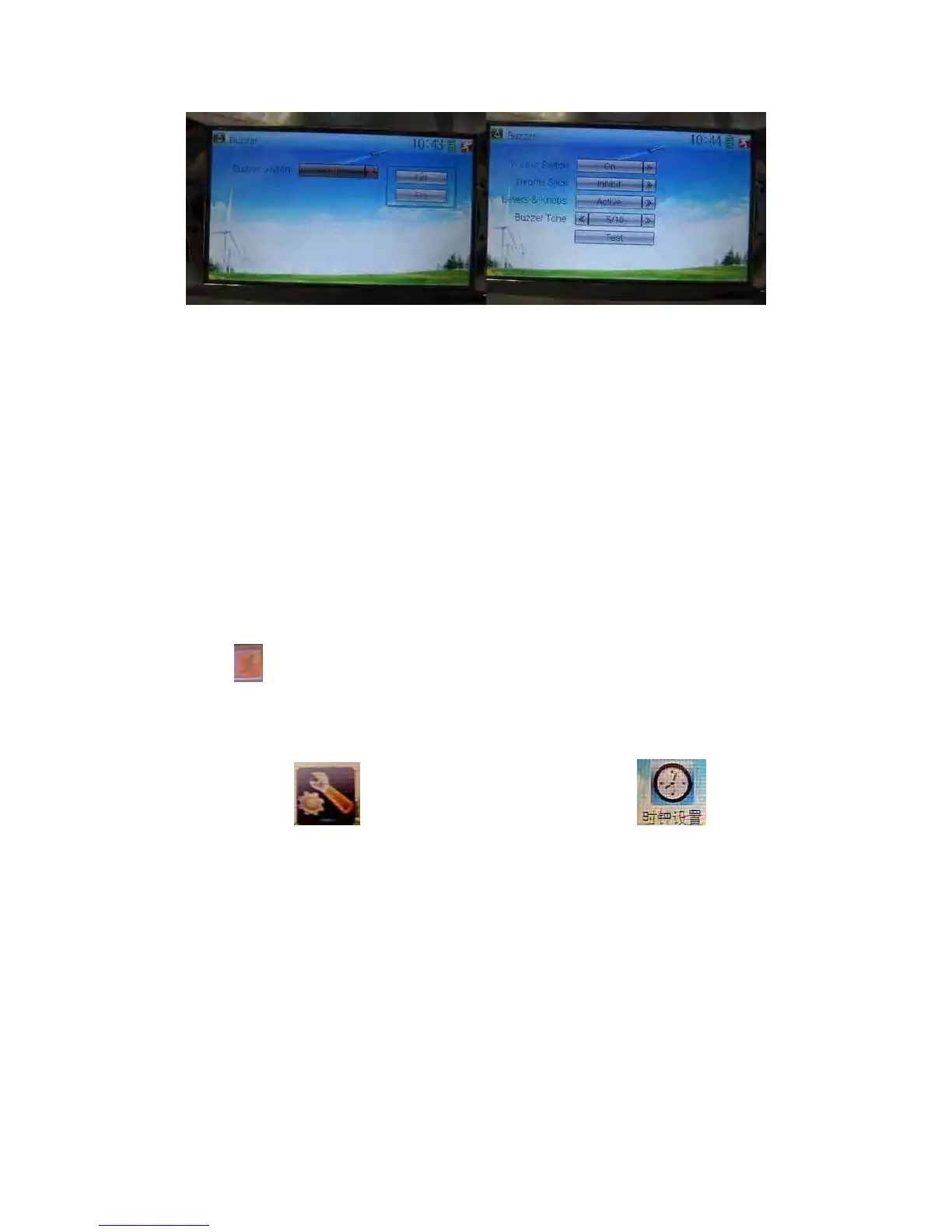
Buzzer interface
9) Buzzer switch: touch the navigation mark at Buzzer Switch and pop up an
alternative item: Off and On. If touching On, a drop-down menu is shown as the
right upper.
10) Throttle stick: under Buzzer Switch is at the status of On, if Throttle Stick is set as
“Active”, it will make a relative response of musical scale when moving the throttle
stick. You can judge the position of the throttle stick according to the different
musical scales. It is can be set as “Inhibit”.
11) Levers and knobs: under the condition that this item is set as “Active”, DEVO-12
will sound when rotating or moving such levers or knobs as AUX2, AUX3, AUX4,
AUX5, AUX6, and AUX7 to their neutral positions. It is can be set as “Inhibit”.
12) Buzzer tone: the tone is composed of 10 grades. You can choose the favorite tone
according to your interests. Touch Test to make a listening test.
Touch
to exit after finished.
1.5 Date & Time
Touch the icon to enter System Menu and then touch to enter
the item of “Date & Time”.



 To Next Page