User Manual for DEVO-12 Page 225 of 238
Touch the icon to enter Function Menu, and then click the icon
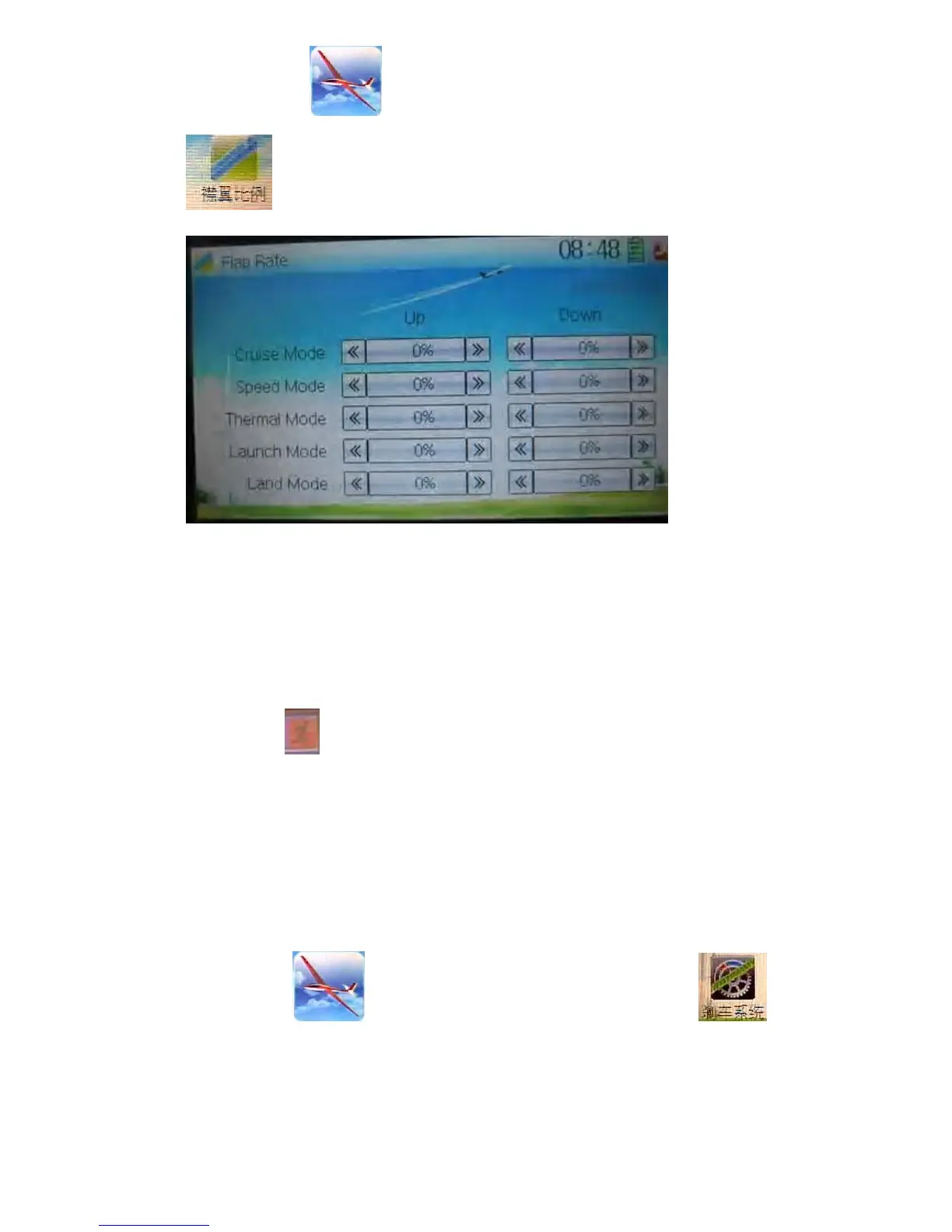
to enter the interface of Flap Rate.
Touch the navigation mark of Up to change the flap rate when flap moving upward. It
is possible to alter the direction by changing the sign before the value. The adjustable
range is 125%, and the default setting is 0%.
Touch the navigation mark of Down to change the flap rate when flap moving
downward. It is possible to alter the direction by changing the sign before the value.
The adjustable range is 125%, and the default setting is 0%.
Click the icon
to exit.
3.17 Brake system
Through the spoiler stick operation, all the actions caused by mobile wings in main
wings will be turned into the mixes which aim at brake. It is can switched between Pos
0 and Pos 1 via setting the item Switch.
Setting method:
Touch the icon
to enter Function Menu, and then click the icon
to enter the interface of Brake System.



 To Next Page