User Manual for DEVO-12 Page 152 of 238
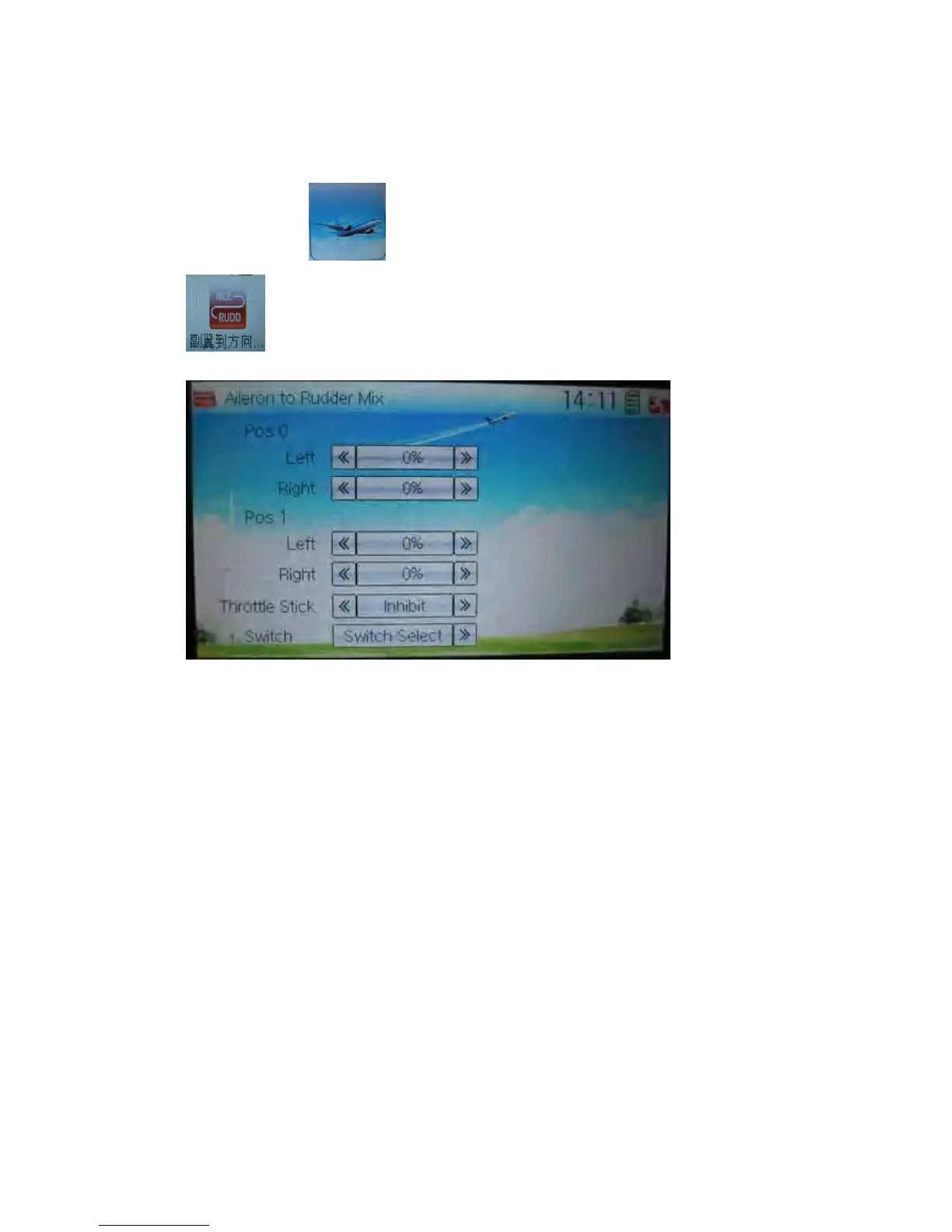
3.12 Aileron to Rudder Mix
This function is possible to execute the mix of aileron to rudder, which is controlled by
switch.
Setting method:
Touch the icon
to enter Function Menu, and then click the icon
to enter the interface of Aileron to Rudder Mix.
1) Pos 0 Setting
Touch the left or right navigation mark of Left to change the value, and leftward mix
value of aileron to rudder will be changed. The mix direction will be revised by
changing the symbol of plus or minus before the value. The adjustable range is
±125%.
Touch the left or right navigation mark of Right to change the value, and the rightward
mix value of aileron to rudder will be changed. The mix direction will be revised by
changing the symbol of plus or minus before the value. The adjustable range is
±125%.
2) Pos 1 setting
The setting is same as above.
3) Throttle stick setting
The switch between Pos 0 and Pos 1 can be realized by setting the position of throttle
stick. Touch the left or right navigation mark of Throttle Stick to the position amount of
throttle stick. The default setting is Inhibit. The adjustable range is 0.0-100.0%.
4) Switch setting



 To Next Page