User Manual for DEVO-12 Page 109 of 238
2.3 Model copy
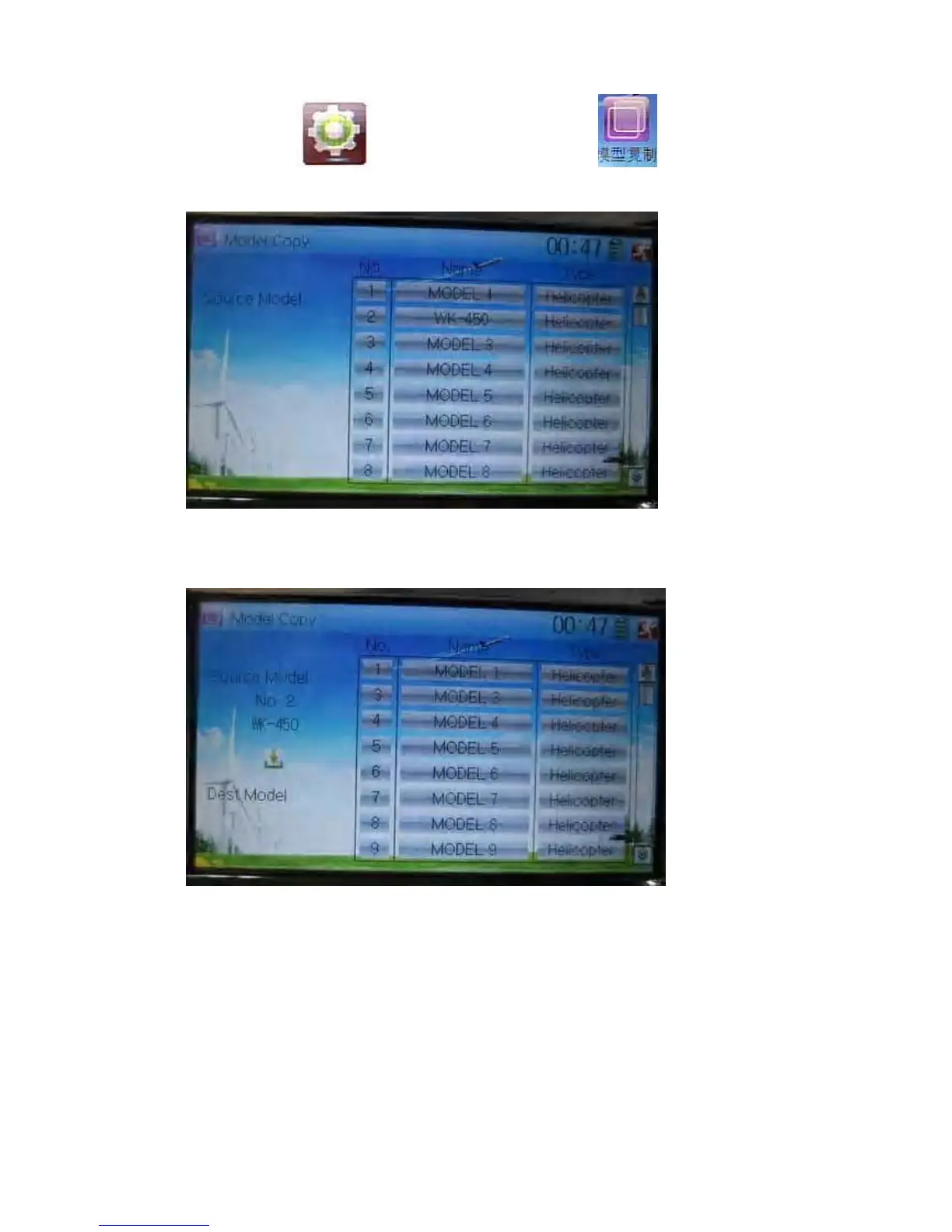
Touch the icon to enter Model Menu and click to enter Model
Copy.
Choose the model you want to be copied as source model. The serial No. and model
name of Source Model will be shown in the left side of the interface.
Then touch the model in the right list where you want to locate the source model. The
serial No. and name of the model you chose are shown under Dest Model in the lower
left of interface as well as an enquire “Are you sure?” is popped up.



 To Next Page