User Manual for DEVO-12 Page 186 of 238
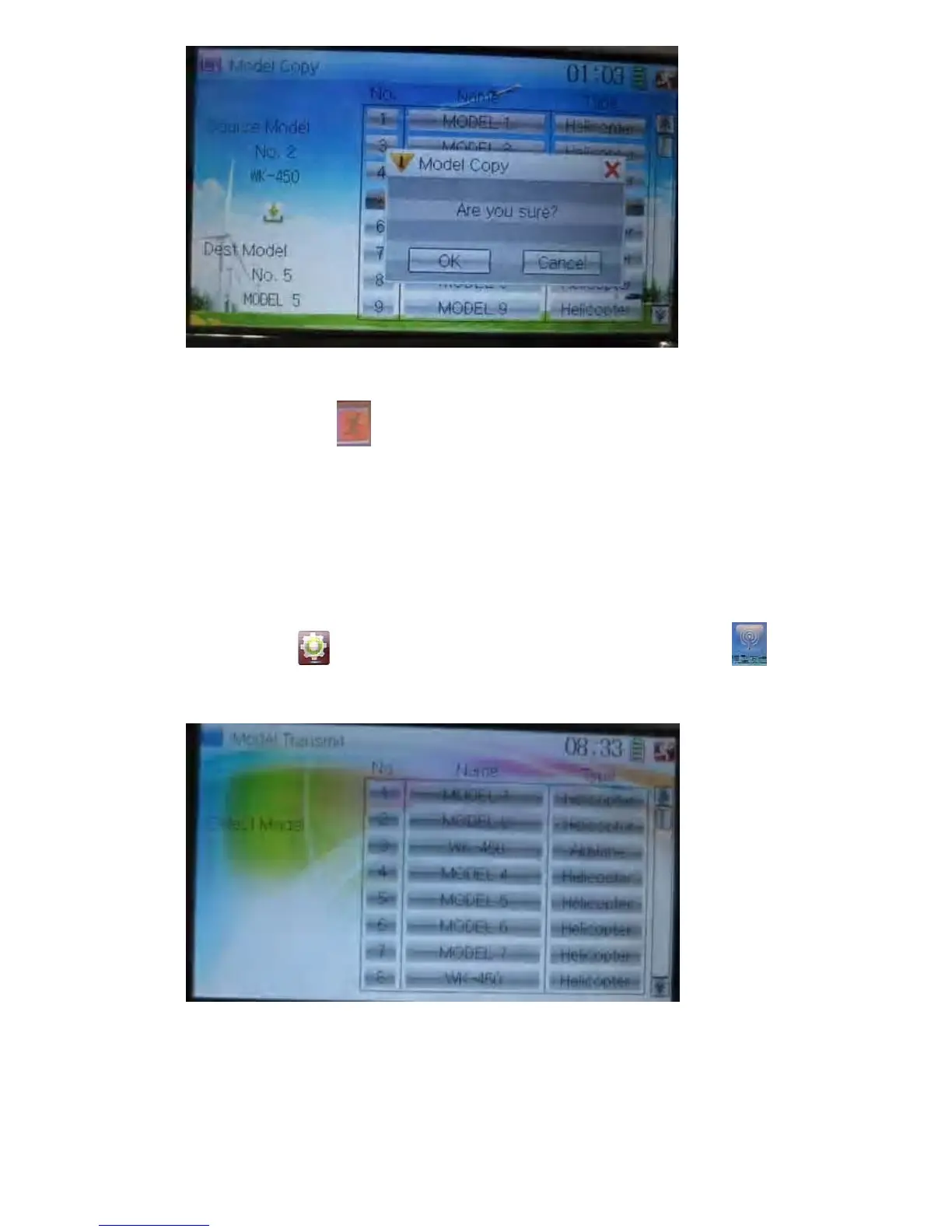
Click OK to copy. Otherwise click Cancel. Then the interface will automatically return
to Model Menu. Click
to save and exit.
2.4 Model wireless copy
The model data between two DEVO-12 equipments can be wirelessly copied via
Model Transmit and Model Receive in Model Menu
5) Model transmission
Touch the icon
to enter Model Menu and then continue to click the icon
to enter Model Transmit.
Choose the source model which will be transmitted. The serial No. and name of the
source model will be shown under Select Model in left side of the interface as well as
enquiry information “Are you sure?” in the right side.



 To Next Page