User Manual for DEVO-12 Page 187 of 238
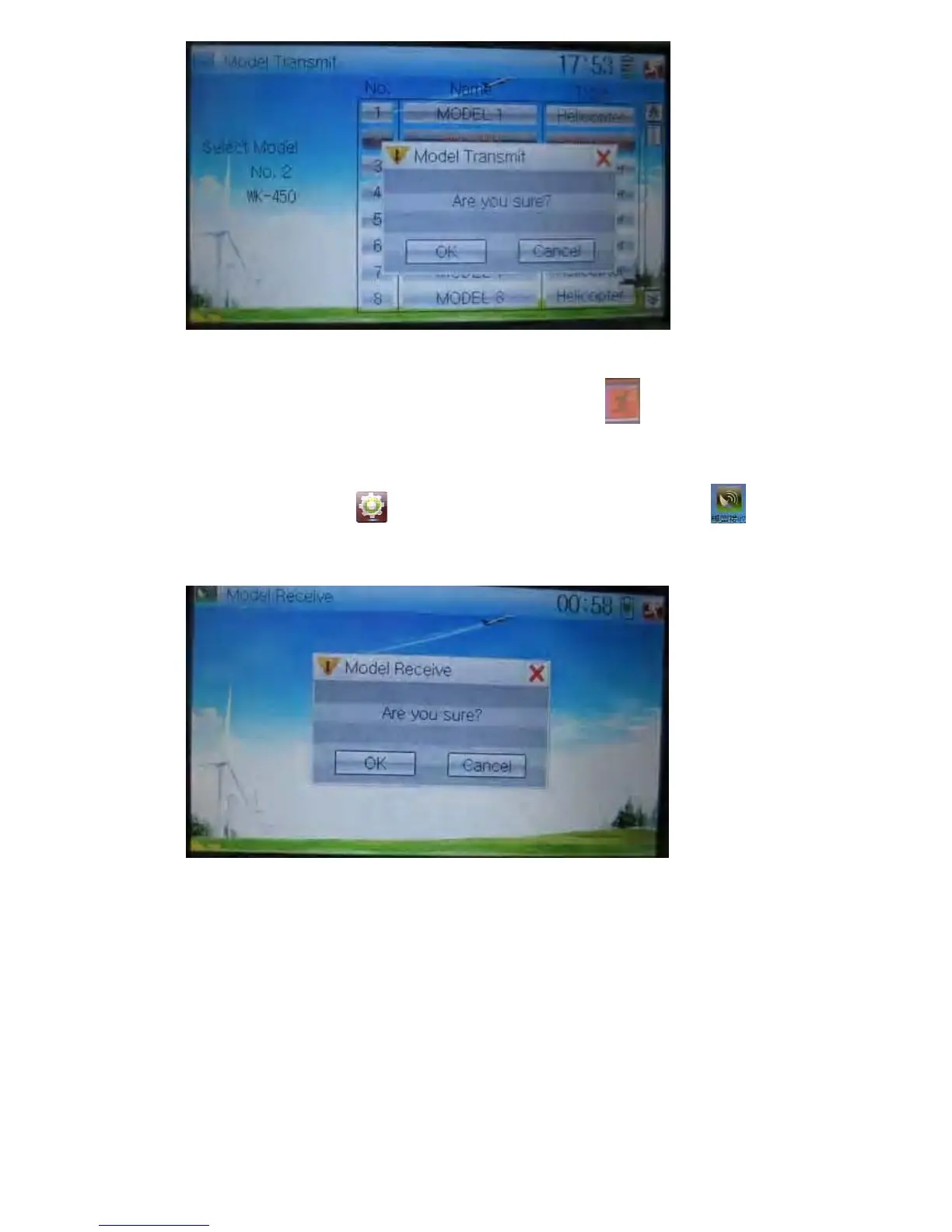
Click OK for transmission or Cancel for rejection. Enquiry information
“Transmitting ……” appears after clicking OK. Touch the icon
to exit.
6) Model receiving
Touch the shortcut icon
to enter Model Menu and then touch the icon to
enter the interface of Model Receive. Enquiry information “Are you sure?” is shown in
the center of the interface.
Click Ok for receiving or Cancel for rejection. “Connecting ……” and “Receiving ……”
will be shown in series in the interface. The information of “Received” with the model
name will be shown in left side after receiving is finished..



 To Next Page