User Manual for DEVO-12 Page 106 of 238
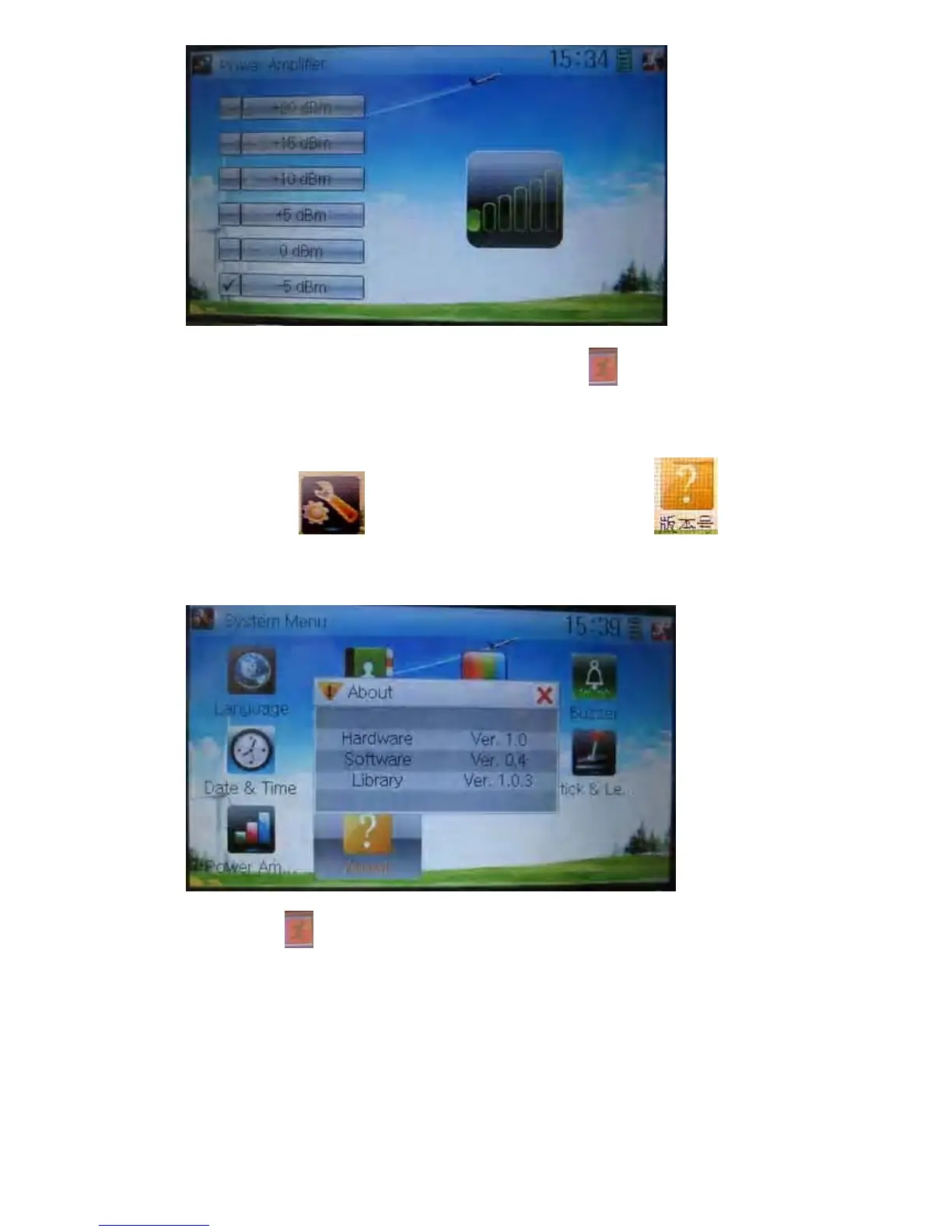
Choose the appropriate output power level and then touch
to exit.
1.10 About
Touch the icon to enter System Menu and then touch to get
access to the interface of About. You can check the versions of hardware and
software.
Click the icon
to exit.
2.0 Model menu
Model Menu manages all the model data saved in DEVO-12. It includes Model Select,
Model Name, Model Copy, Model Transmit, Model Receive, Model Reset, Type Select,
Trim System, Stick Position, Warning, Device Select, Device Output, Wing Type and
Fixed ID.



 To Next Page