User Manual for DEVO-12 Page 174 of 238
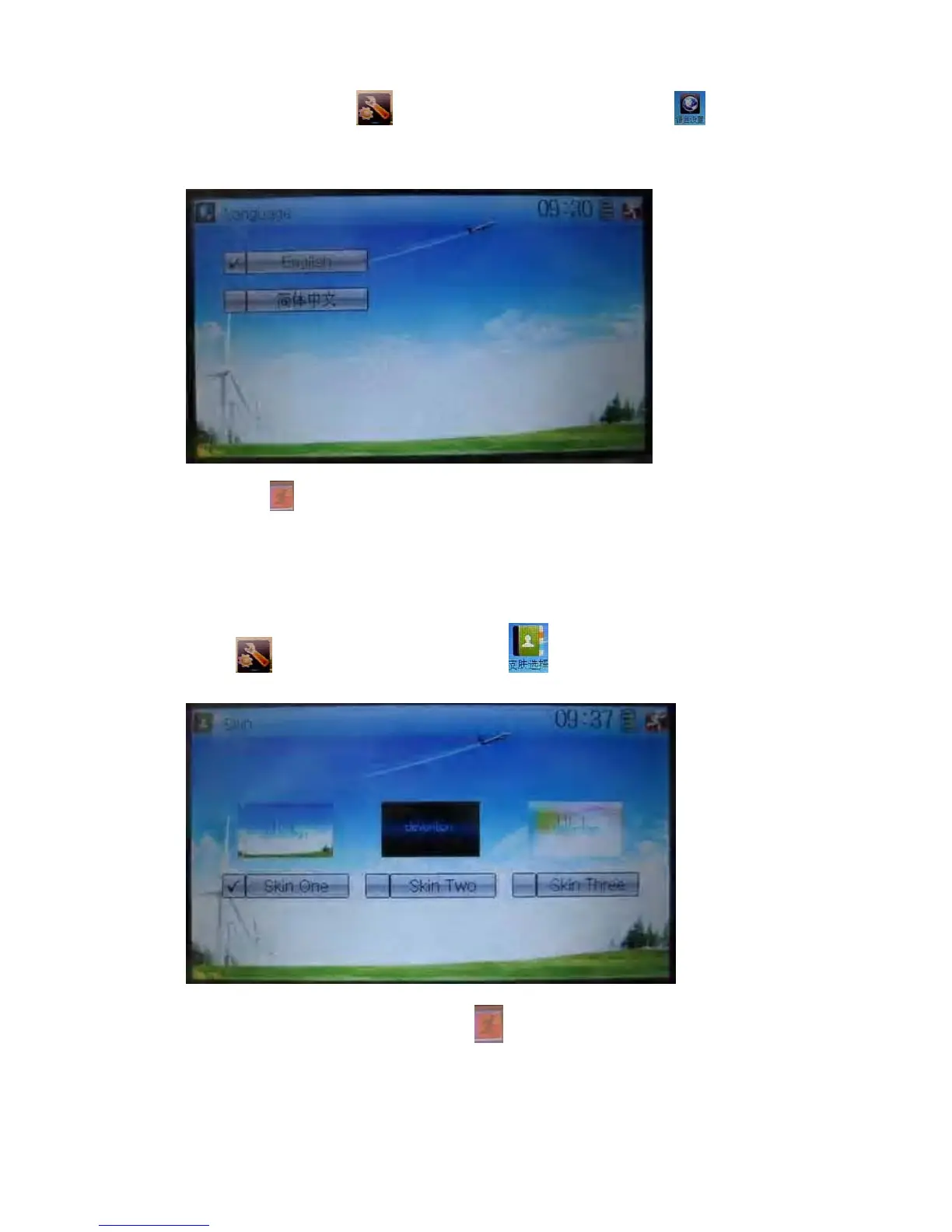
1.1 Language setting
Touch the shortcut icon to enter System Menu and then touch to enter
Language. Touch the language that you want to select. A “√” will be shown on the
screen after selected.
Then touch
to save and exit.
1.2 Skin selection
DEVO-12 offers three skins for your selection.
Touch
to enter System Menu and touch to enter Skin.
Touch the skin you desire and then touch
to exit.



 To Next Page