User Manual for DEVO-12 Page 231 of 238
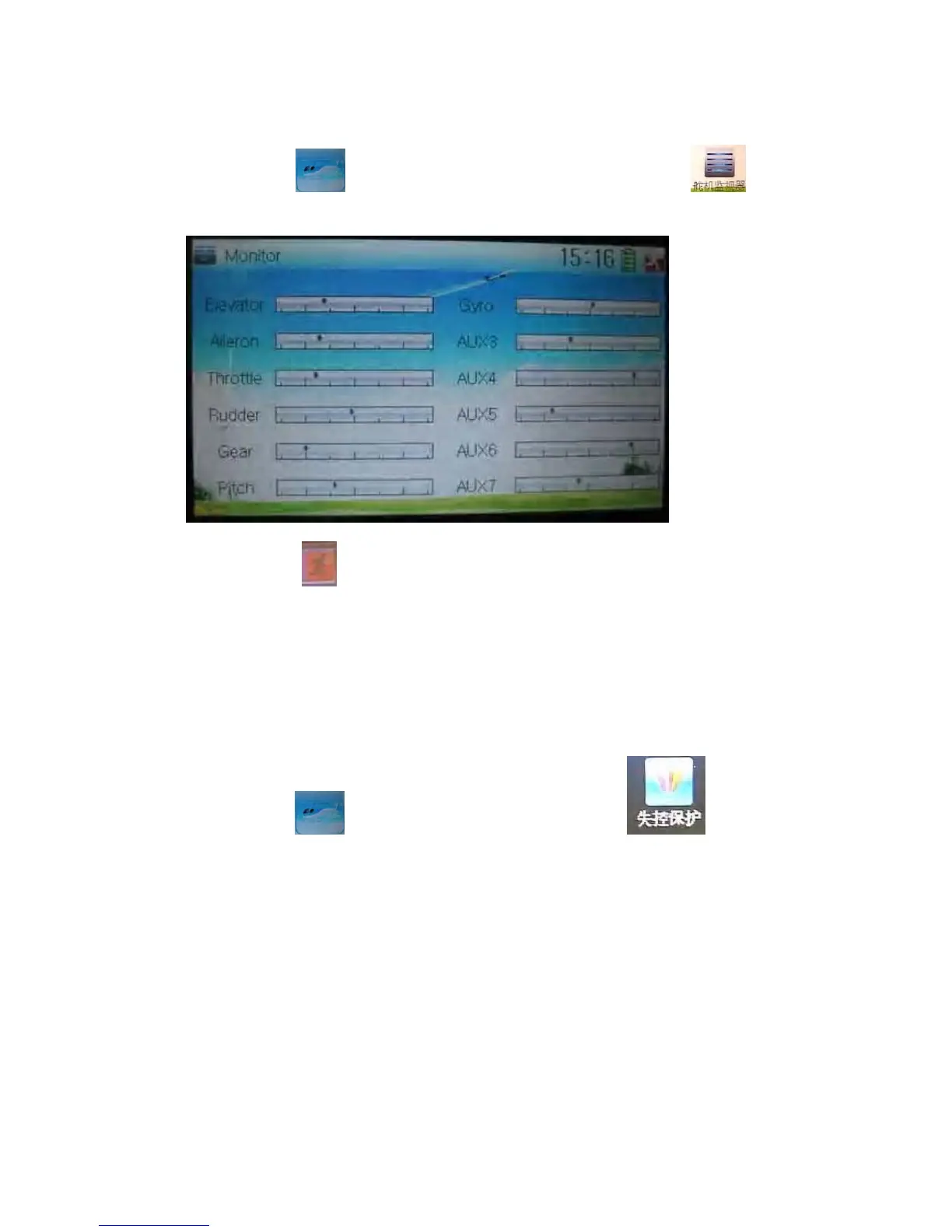
3.19 Monitor
This function can display the current statuses and positions of all the channels’
outputs, and check the current working status of each channel.
Touch the icon
to enter Function Menu, and then click the icon to
enter the interface of Monitor for checking the current working status of each channel.
Click to the icon
exit after finished.
3.20 Fail safe
There are two possibilities for use if the transmission signal is under abnormal
condition. The first one is to lock the last action data received; the second one is to
execute the pre-set data which is pre-set. The default setting is Servo Hold.
Setting method:
Touch the icon
to enter Function Menu, and then click to enter
the interface of Fail Safe.



 To Next Page