User Manual for DEVO-12 Page 206 of 238
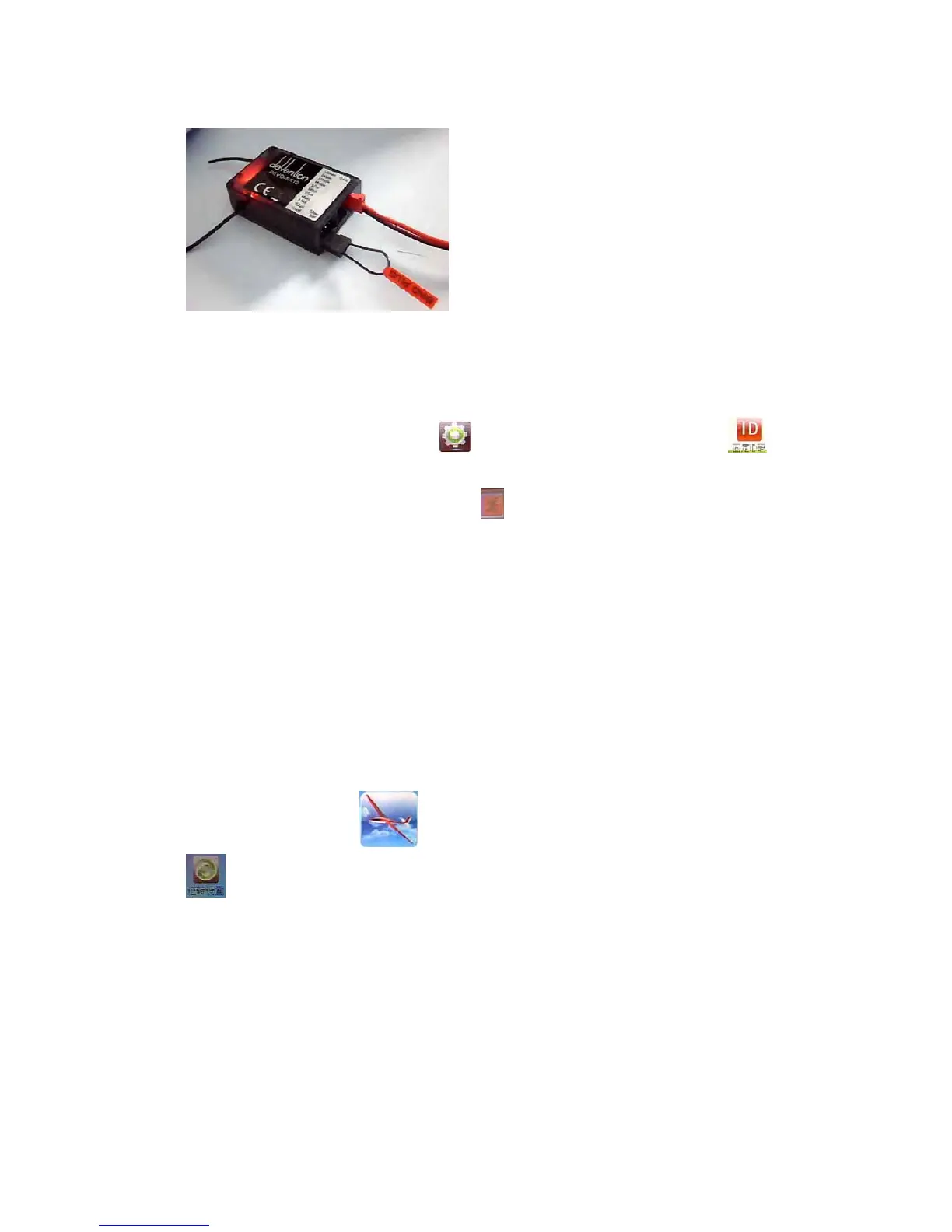
receiver will flash slowly. This means the fixed ID code has been cancelled. Pull out
BIND PLUG.
DEVO-12 also needs to make relative cancellation and reversion after the fixed ID in
receiver is cleared out.
In the main interface touch the icon
to enter Model Menu and then touch
to enter Fixed ID. Touch ID Code Setting to expand the navigation mark into two
statues On and Off. Touch Off. Then touch
to exit.
3.0 Function menu
Function Menu is used to make personalizedly fine adjustment to the selected models.
It includes Reverse Switch, Travel Adjust, Sub Trim, Dual Rate and Exponential,
Motor Hold, Flaperon Mix, Camber System, Differential, Balance, Gyro Sensor,
Rudder to Spoiler Mix, Aileron to Rudder Mix, Elevator to Flap Mix, Aileron to Flap/
Wingtip Mix, Flap Rate, Brake System, Program Mix, Monitor, Fail Safe, Trainer, and
Timer.
3.1 Reverse switch
Touch the shortcut icon to enter Function Menu, and then click the icon
to enter the interface of Reverse Switch.



 To Next Page