User Manual for DEVO-12 Page 156 of 238
Click the icon
to exit after finished.
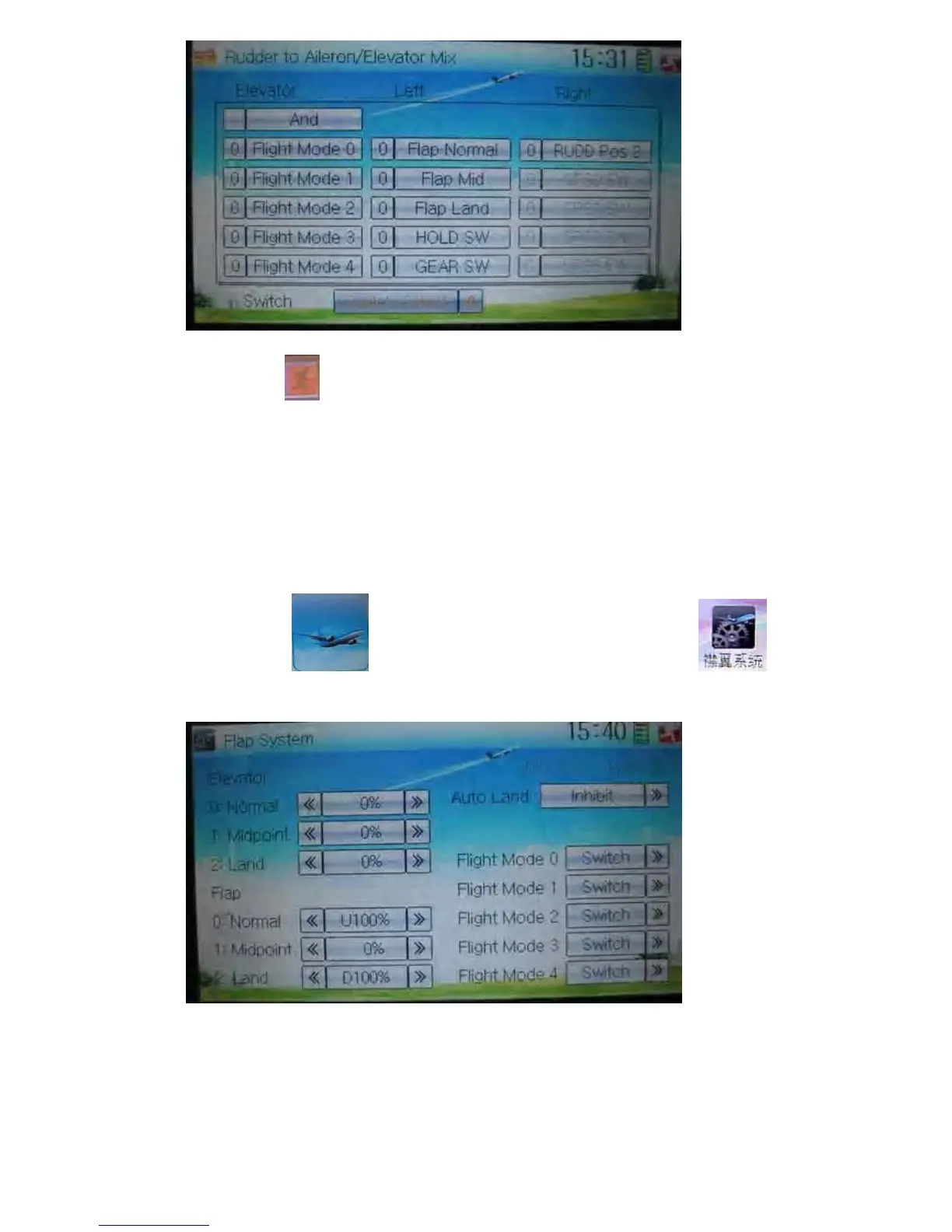
3.15 Flap system
This function can modify some effects on elevator. It is possible to set three statuses
of elevator and three statuses of flap, respectively, through three-way flap control
switch.
Setting method:
Touch the icon
to enter Function Menu, and then click the icon
to enter Flap System.
1) Elevator setting
There three options: 0: Normal, 1: Midpoint, and 2: Land.
1.1) 0: Normal position



 To Next Page