User Manual for DEVO-12 Page 107 of 238
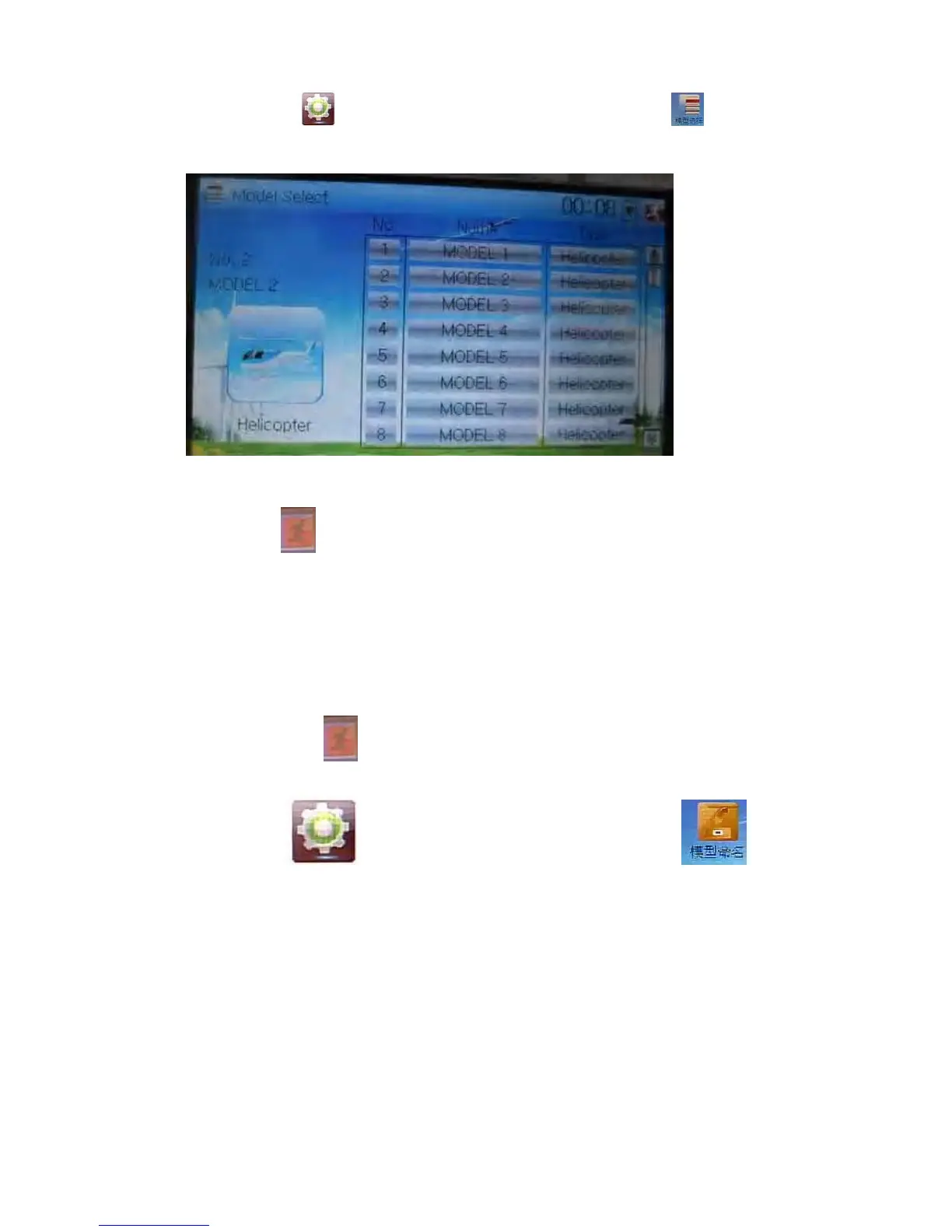
2.1 Model select
Touch the icon to enter Model Menu and then click the icon to enter
Model Select.
Touch the model you desire. The selected model is changed in orange color. Then
click the icon
to exit.
2.2 Model name
In the menu of Model Name, you can make a desired name for your model for long
term storage. Its data can be directly withdrawn in the next flight.
Repeat the step 2.1 Model Select to choose the model you want to name or save. And
then touch the icon
to exit.
Click the icon
to enter System Menu and then click the icon to
get the interface of Model Name. The following is the interface:



 To Next Page