User Manual for DEVO-12 Page 220 of 238
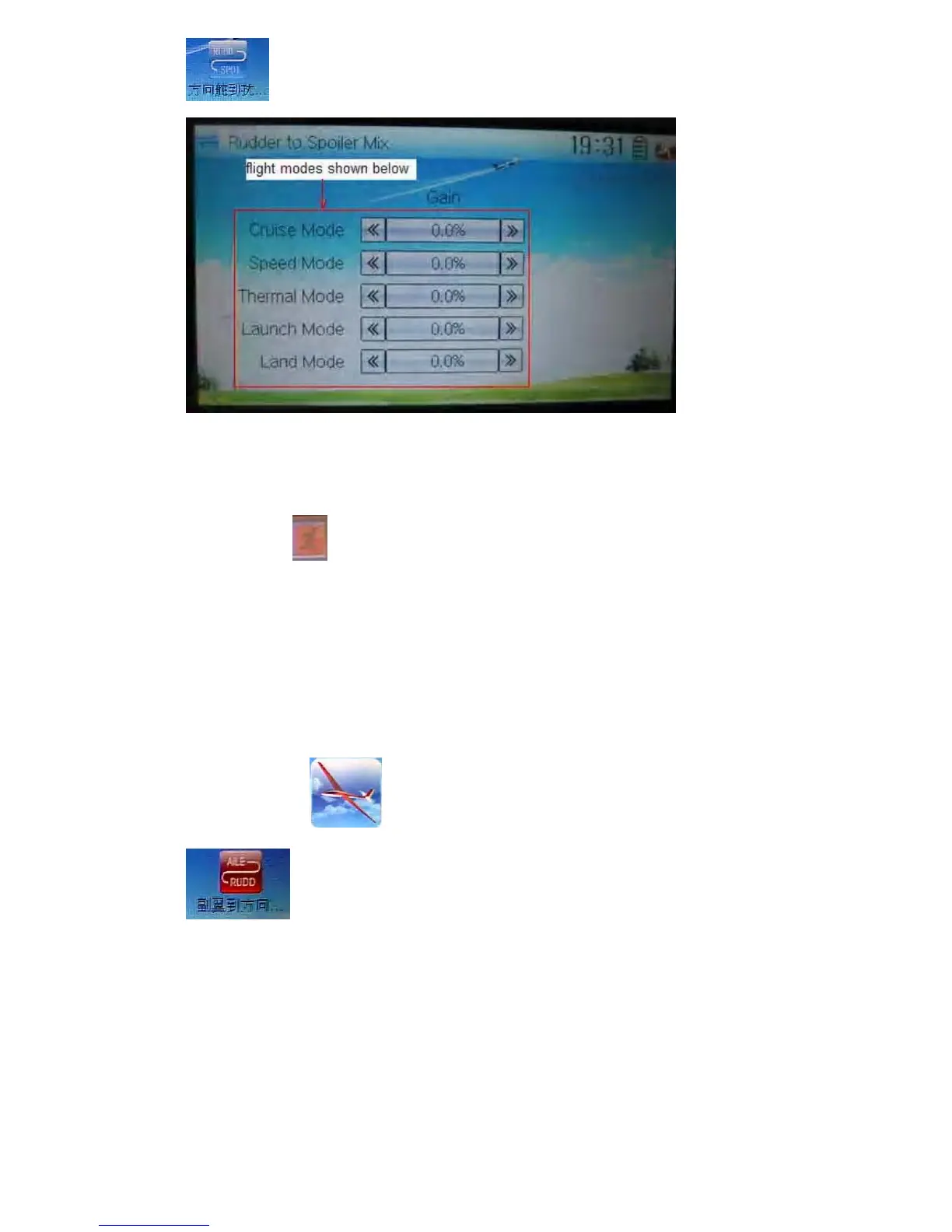
to enter the interface of Rudder to Spoiler Mix.
Touch the left or right navigation mark of the flight mode you desired to decrease or
increase, respectively, the gain with a range of 0.0 – 100.0%. the default setting is
0.0%.
Touch the icon
to exit.
3.12 Aileron to rudder mix
This function aims at mixing the rudder when operating the aileron. The mix value can
be respectively set in each flight mode. But the flight mode should be previously set at
Device Select in Model Menu (refer to “2.10 Device Select”).
Setting method:
Touch the icon
to enter Function Menu, and then click the icon
to enter the interface of Aileron to Rudder Mix.



 To Next Page