User Manual for DEVO-12 Page 65 of 238
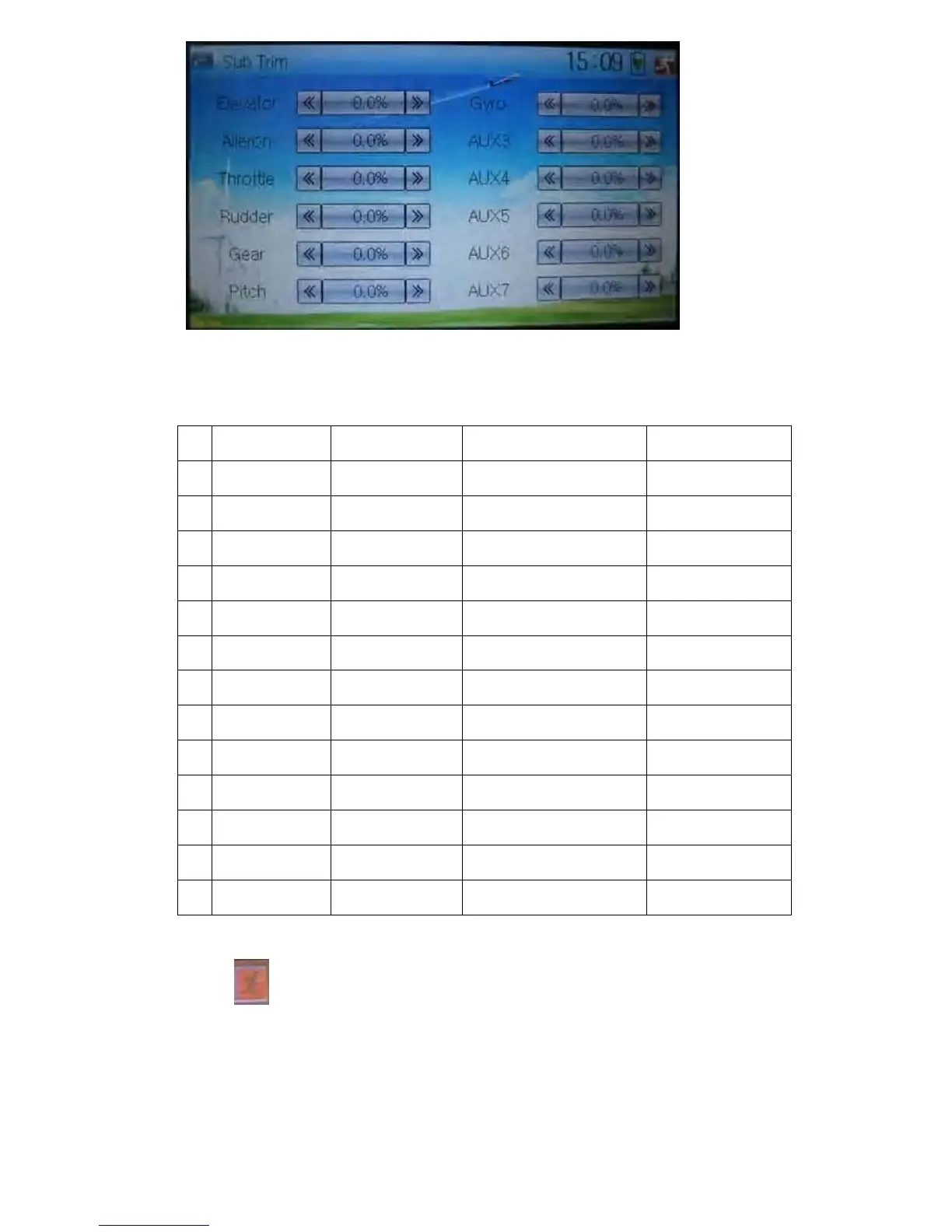
It is possible to change the servo neutral point by touching the navigation mark of the
desired item to amend the percentage. The default for each channel is 0.0%. The
following chart shows you the adjustment range of each channel:
English Your language English Your language
Channel name Adjustment range
1 Elevator D62.5%-U62.5%
2 Aileron R62.5%-L62.5%
3 Throttle L62.5%-H62.5%
4 Rudder R62.5%-L62.5%
5 Gear -62.5%- +62.5%
6 Pitch L62.5%- H62.5%
7 AUX2 -62.5%- +62.5%
8 AUX3 -62.5%- +62.5%
9 AUX4 -62.5%- +62.5%
10 AUX5 -62.5%- +62.5%
11 AUX6 -62.5%- +62.5%
12 AUX7 -62.5%- +62.5%
Touch
to exit.
3.4 Dual Rate and Exponential
After this function is set up, it is possible for D/R switches to control the dual rates of
elevator, aileron, and rudder, respectively. The setting range is covered from 0% to



 To Next Page