User Manual for DEVO-12 Page 82 of 238
This function can be cancelled through setting the amount as 0%.
3.13 Pitch curve
Pitch Curve is adjusted in nine points that all the pitch curves in various flight modes
can be set up, respectively. The flight mode includes Normal Mode, Stunt 1, Stunt 2,
Stunt 3, Stunt 4 (the Flight Mode Extra Switch in Device Select should be chosen.
Refer to “2.10 Device Select”), and Throttle Hold.
Setting method:
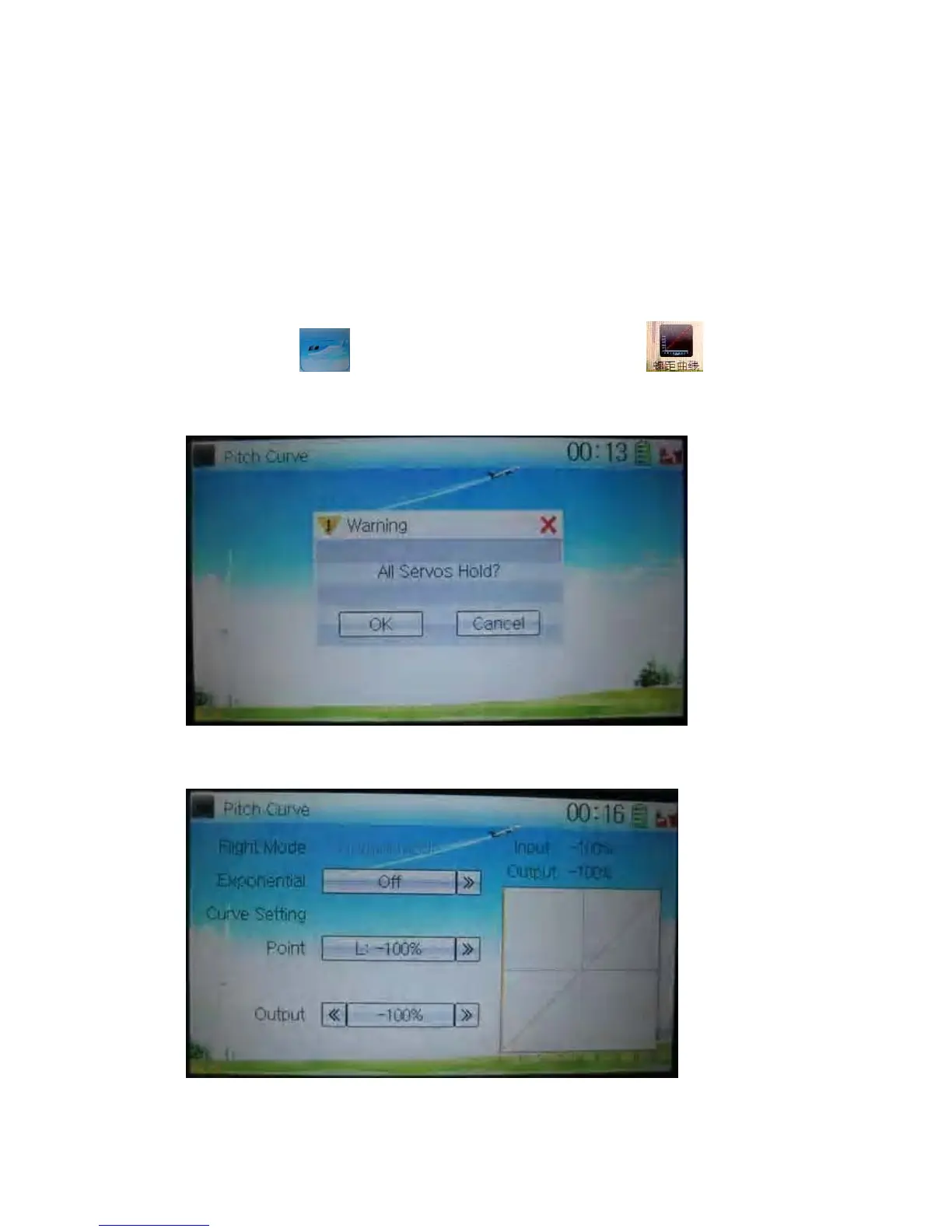
Touch the icon
to enter Function Menu, and then click to enter
Pitch Curve. A dropdown pops up “All Servos Hold?”. Click OK for all the servos will
be locked at the current status; click Cancel for unlocked.
Enter the next interface after clicking OK or Cancel.
1) Exponential setting
Touch the navigation mark of Exponential to expand into two options Off and On. The



 To Next Page