User Manual for DEVO-12 Page 130 of 238
Touch the item which you want to set as the trim lever or knob for twin engines.
Click the icon
to exit after finished.
2.13 Fixed ID
This setting will bind DEVO-12 and its receiver in a unique corresponding relationship.
It will greatly speed up the time of automatic binding when DEVO-12 powered on.
1) Setting for fixed ID
The setting for fixed ID should be under the status that automatic ID binding is
successfully finished. Below is the setting method.
Touch the icon
to enter Model Menu in the main interface, and then enter Fixed
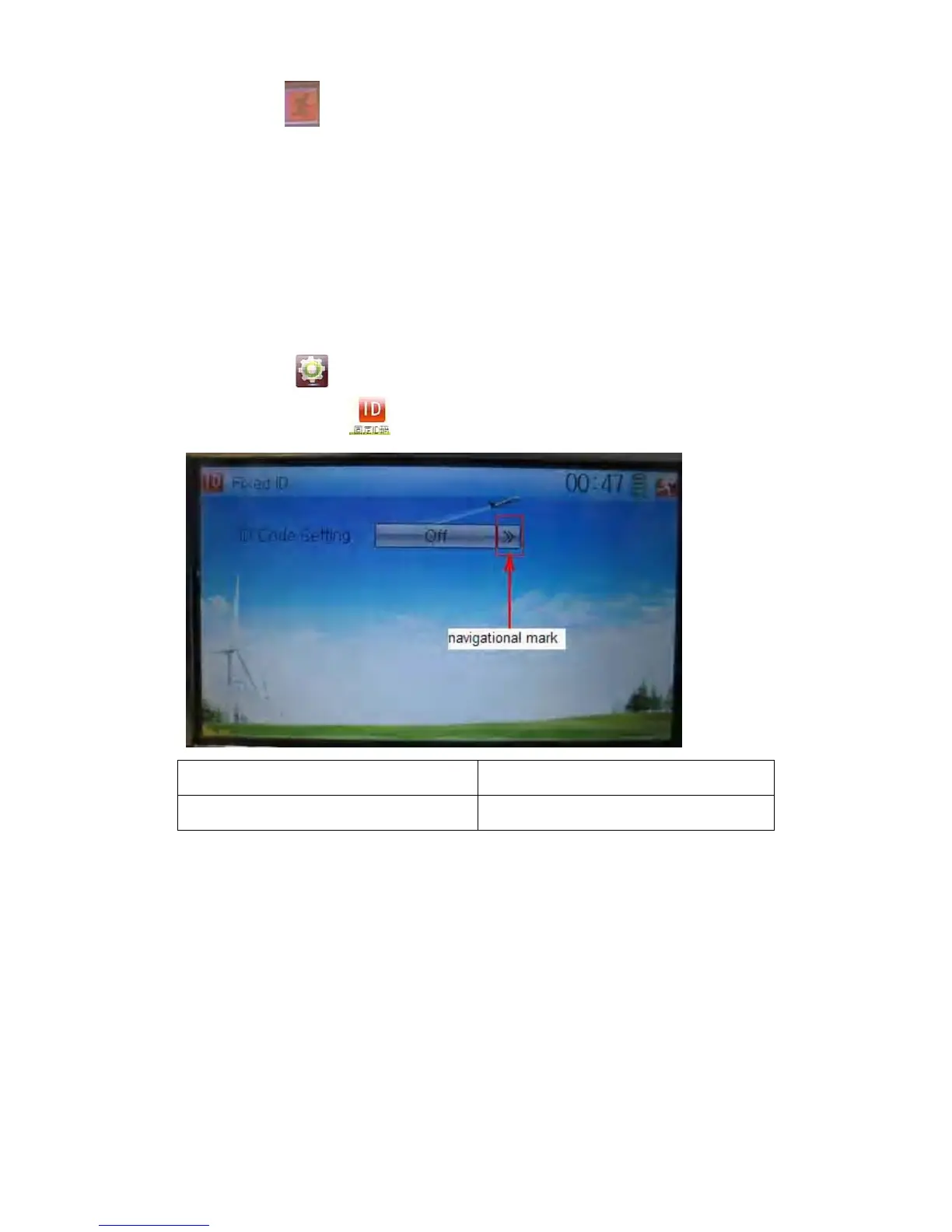
ID by touching the icon
in Model Menu.
English Your language
Navigation mark
Touch the navigation mark of the item ID Code Setting. It will expand into two statuses:
Off and On. A series of random digits will be shown below after touching On.



 To Next Page