User Manual for DEVO-12 Page 150 of 238
1) Mode selection
Touch the navigation mark of Mode and expand into two options: Manual and
Automatic. Select Manual.
5) Switch selection
Touch the navigation mark of Switch and expand into five articles: FMODE SW, MIX
SW, ELEV D/R, AILE D/R, and RUDD D/R.
6) Channel setting
The default setting is AUX 2. It is possible to alter into other channels by choosing in
the item of Device Output (refer to “2.11 Device Output”).
7) Gain adjustment
There are total three levels for respective setting: Pos 0, Pos 1, and Pos 2.
4.1) Pos 0
Touch the left or right navigation mark of Pos 0 to decrease or increase the amount,
respectively. If the gyro you use has two modes of NOR or AVCS, AVCS will be
activated when the amount is above 50.0%. The bigger the amount is, the bigger the
gyro sensor gain becomes. The default setting is 50.0%.
4.2) Pos 1
Refer to the step of “4.1) Pos 0”.
4.3) Pos 2
Refer to the step of “4.1) Pos 0”.
B) Automatic setting
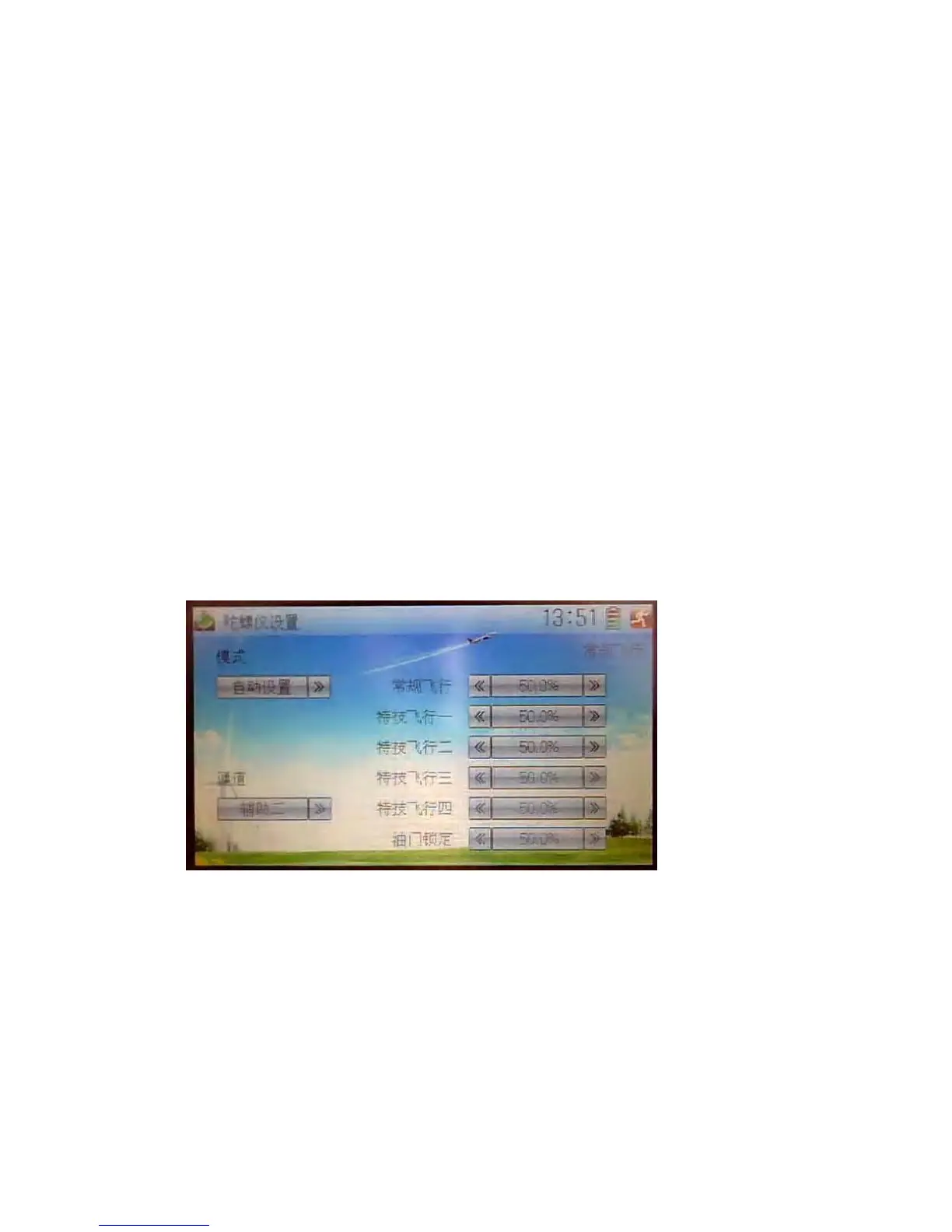
3) Mode selection
Touch the navigation of Mode and expand into two options: Manual and Automatic.
Select Automatic.
4) Channel output
The default setting is AUX 2. It is possible to alter into other channels in the interface
of Device Output (Refer to “2.11 Device Output”).
3) Flight mode selection
All the flight modes are shown in the right interface which includes Normal Flight,
Stunt 1, Stunt 2, Stunt 3, Stunt 4, and Throttle Hold.
For Stunt 3 and Stun 4, Flight Mode Extra Switch should be activated in Device Select



 To Next Page