User Manual for DEVO-12 Page 123 of 238
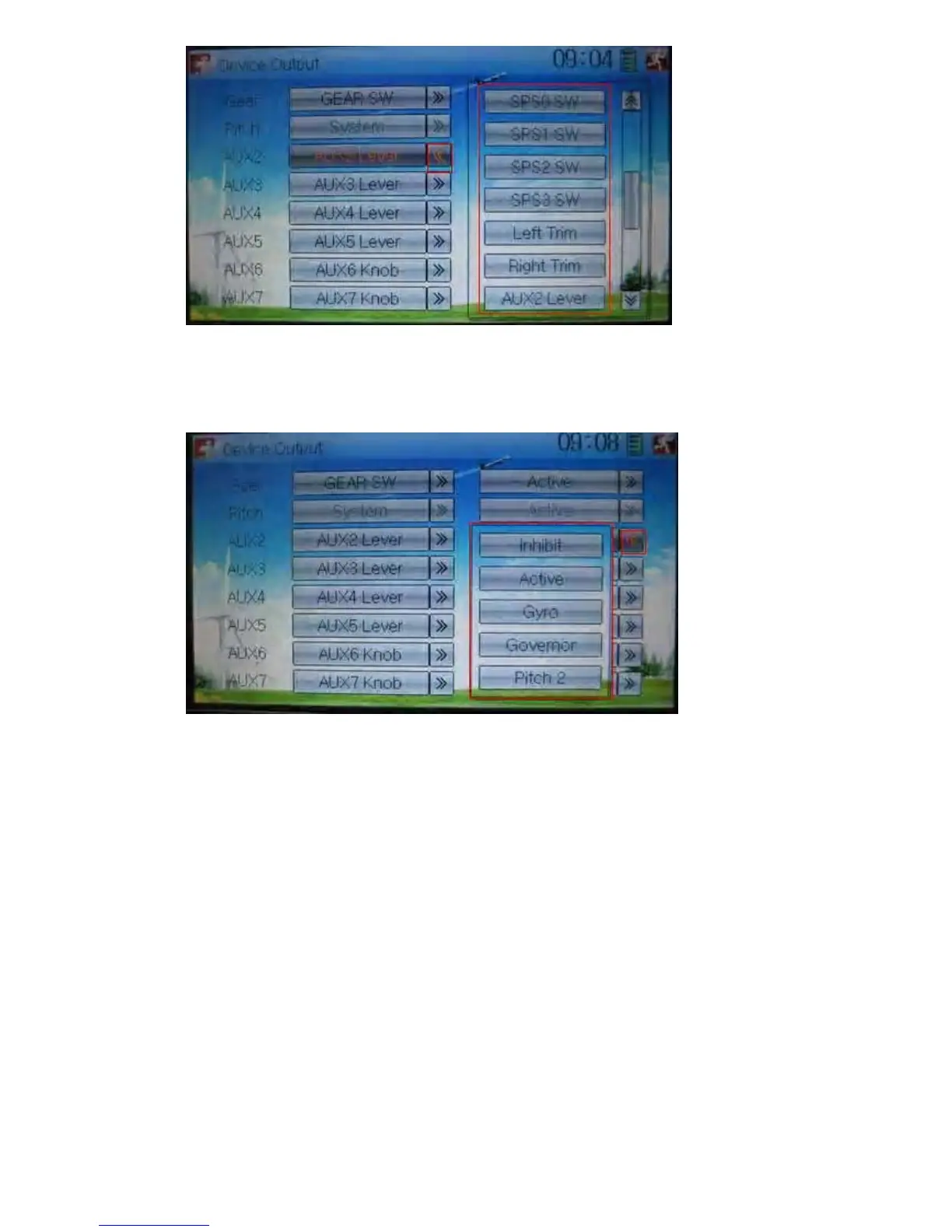
Touch the right column navigation mark of AUX 2, and expands a list including Inhibit,
Active, Gyro, Governor, and Pitch 2. Click the desired item. The default setting is
Active.
Then continue to set other items.
4) AUX 3
Touch the left column navigation mark of AUX 3, and expands a list including AUX3
Lever, AUX4 Lever, AUX5 Lever, AUX6 Knob, AXU7 Knob. Touch the desired item.
The factory default setting is AUX3 Lever.



 To Next Page