User Manual for DEVO-12 Page 160 of 238
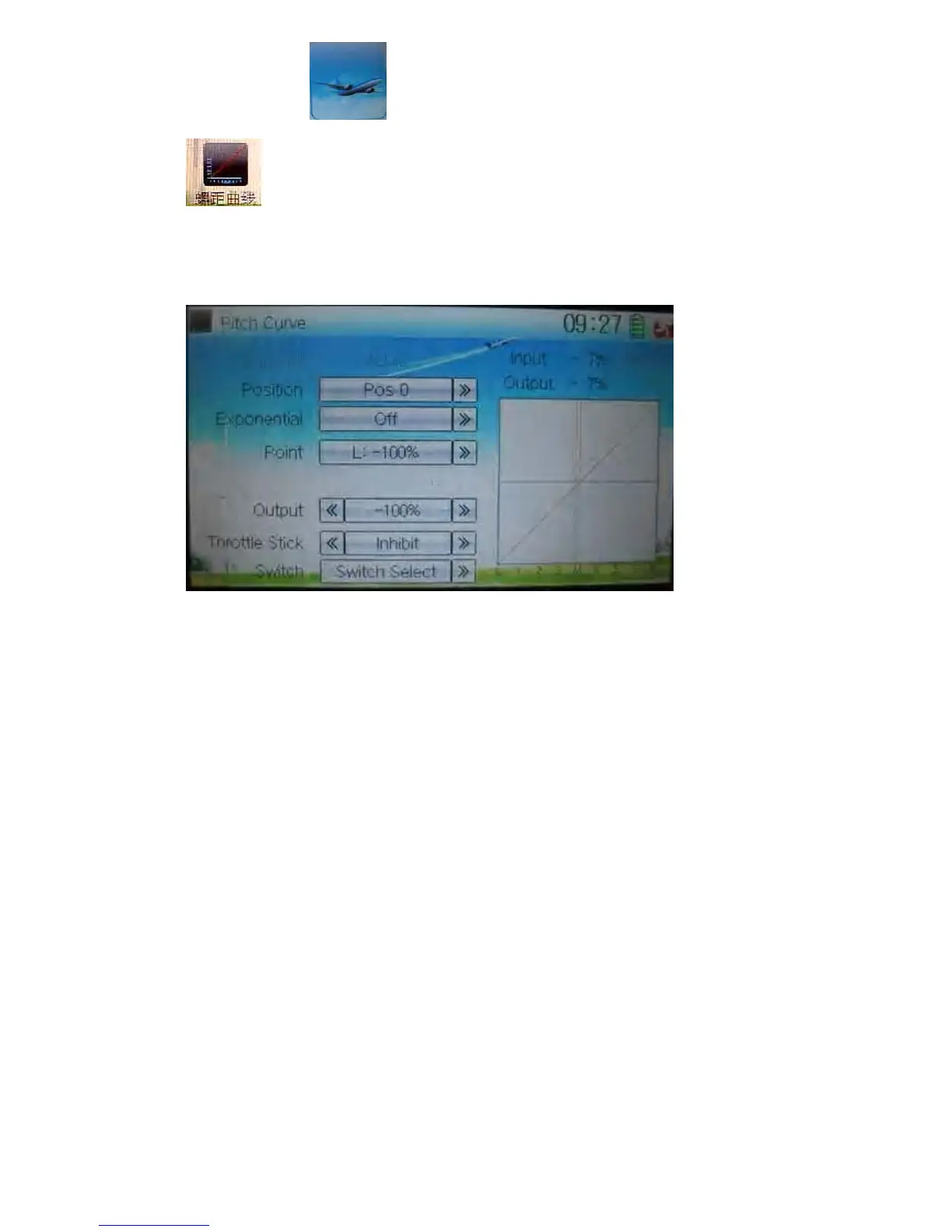
Touch the icon to enter Function Menu and then click the icon
to enter the interface of Pitch Curve. A dropdown menu with “All Servos
Hold” will pop up. Click OK for holding all the current statuses of servos, and click
Cancel for un-holding the current statuses. And the interface will show the current
used channel and the current position statuses of switches.
1) Position setting
Touch the navigation mark of Position and expand a sub menu with Pos 0 and Pos 1.
Choose the desired position.
2) Exponential setting
Touch the navigation mark of Exponential, and expand a sub menu with Off and On.
Click On for smooth changes in pitch curve.
3) Point setting
Touch the navigation mark of Point and expand a dropdown menu including nine
points. Choose the point you want to adjust.



 To Next Page