User Manual for DEVO-12 Page 163 of 238
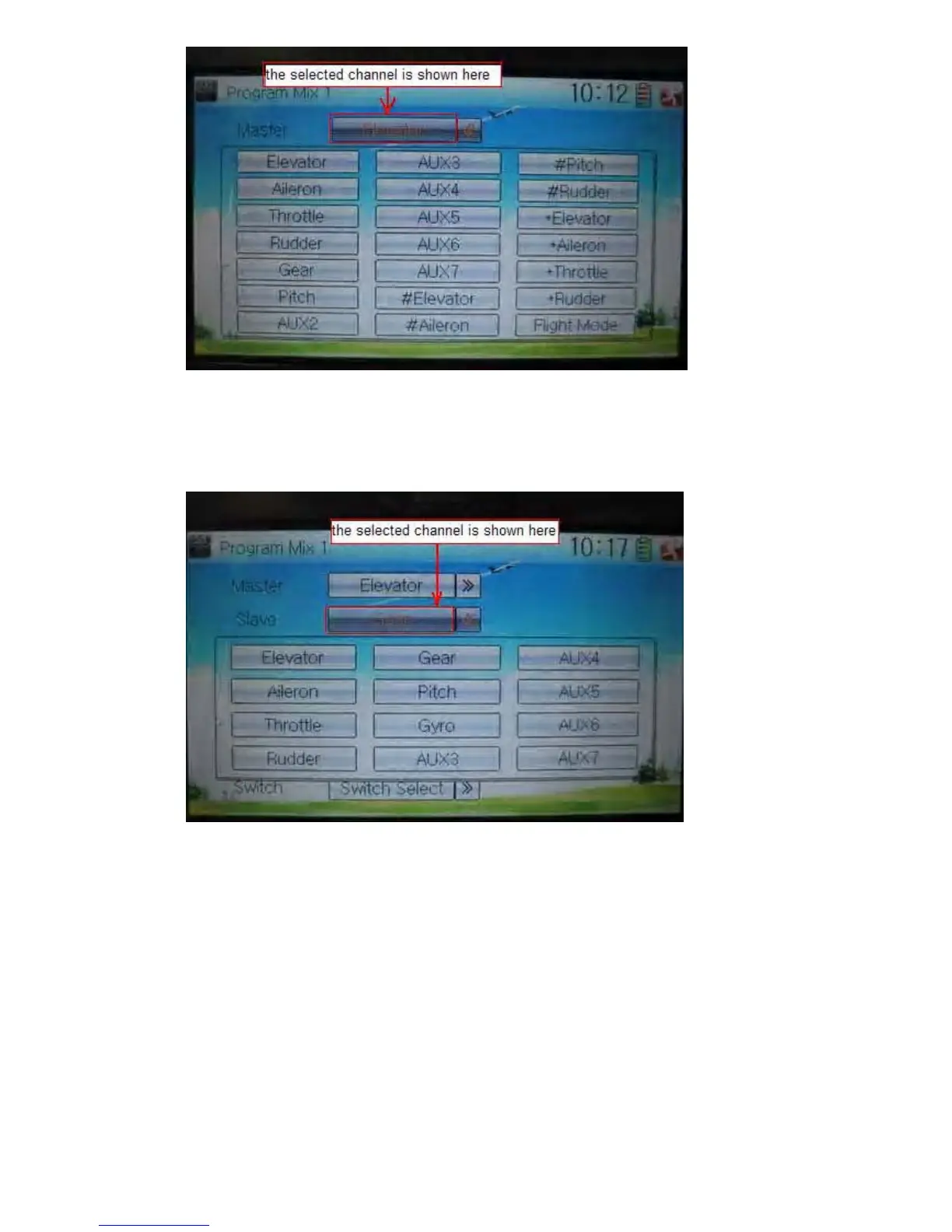
5) Slave channel setting
Touch the navigation mark of Slave and expands a selectable dropdown menu. Click
the desired channel which will be shown in Slave.
6) Gain setting
Take an example of Elevator as Master channel.
3.1) Mix amount setting when elevator stick moved upward
Touch left or right navigation mark of Up to decrease or increase, separately, the mix
amount. It is possible to reverse mix direction through changing the plus or minus sign
before amount. The adjustable range is ±125%.
3.2) Mix amount setting when elevator stick moved downward
Touch left or right navigation mark of Down to decrease or increase, separately, the
mix amount. It is possible to reverse mix direction through changing the plus or minus
sign before amount. The adjustable range is ±125%.
6) Offset setting



 To Next Page