User Manual for DEVO-12 Page 86 of 238
.
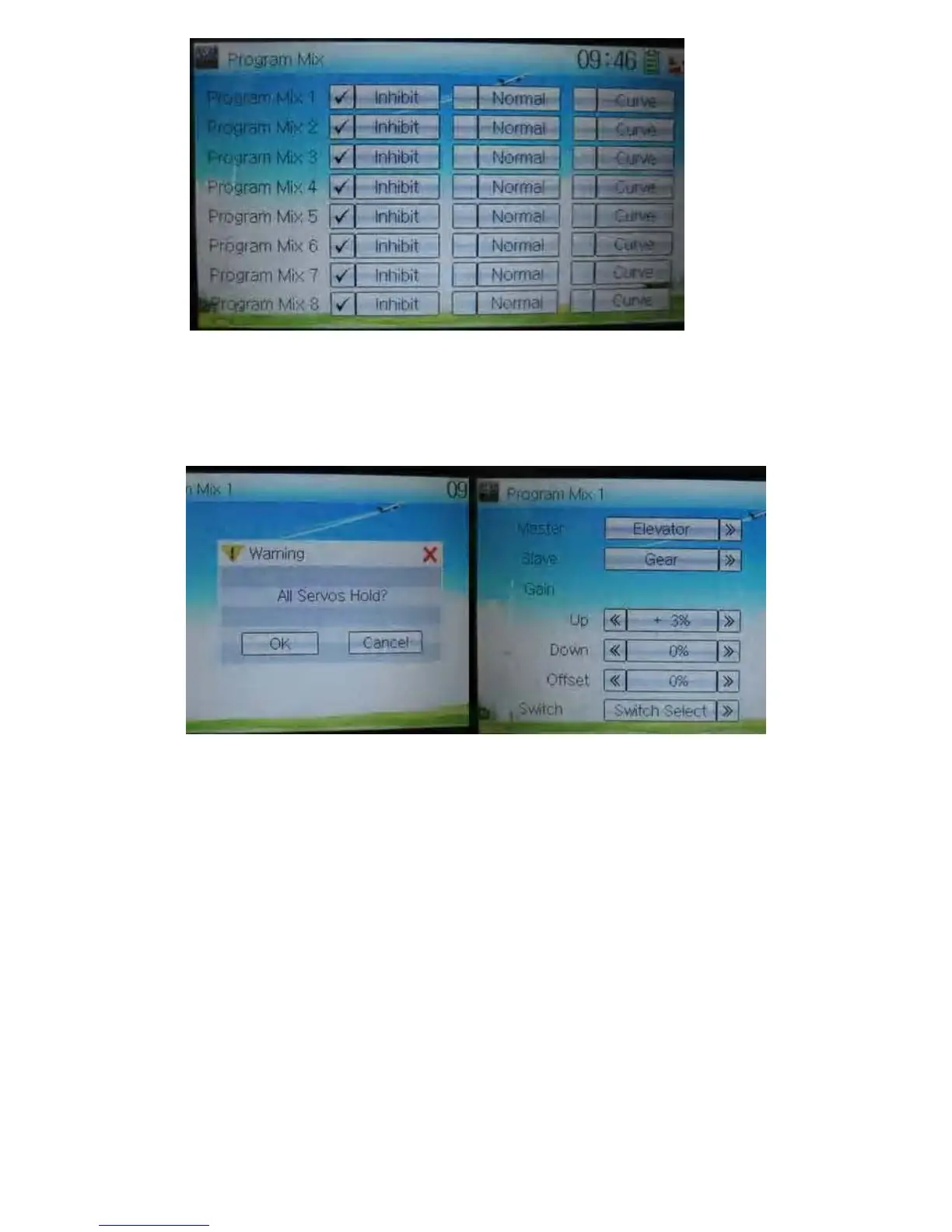
A) Setting method for Normal in Program Mix 1
Touch the item Normal in Program Mix 1 and expands an enquiry “All Servos Hold?”
Click OK for all the servos will be locked at the current statuses; click Cancel for
unlocked. Enter the next interface after clicking.
1) Mater channel setting
Touch the navigation mark of Master and expands a selectable dropdown menu. After
clicking the desired channel the channel name will be shown in Master.



 To Next Page