User Manual for DEVO-12 Page 95 of 238
Setting method:
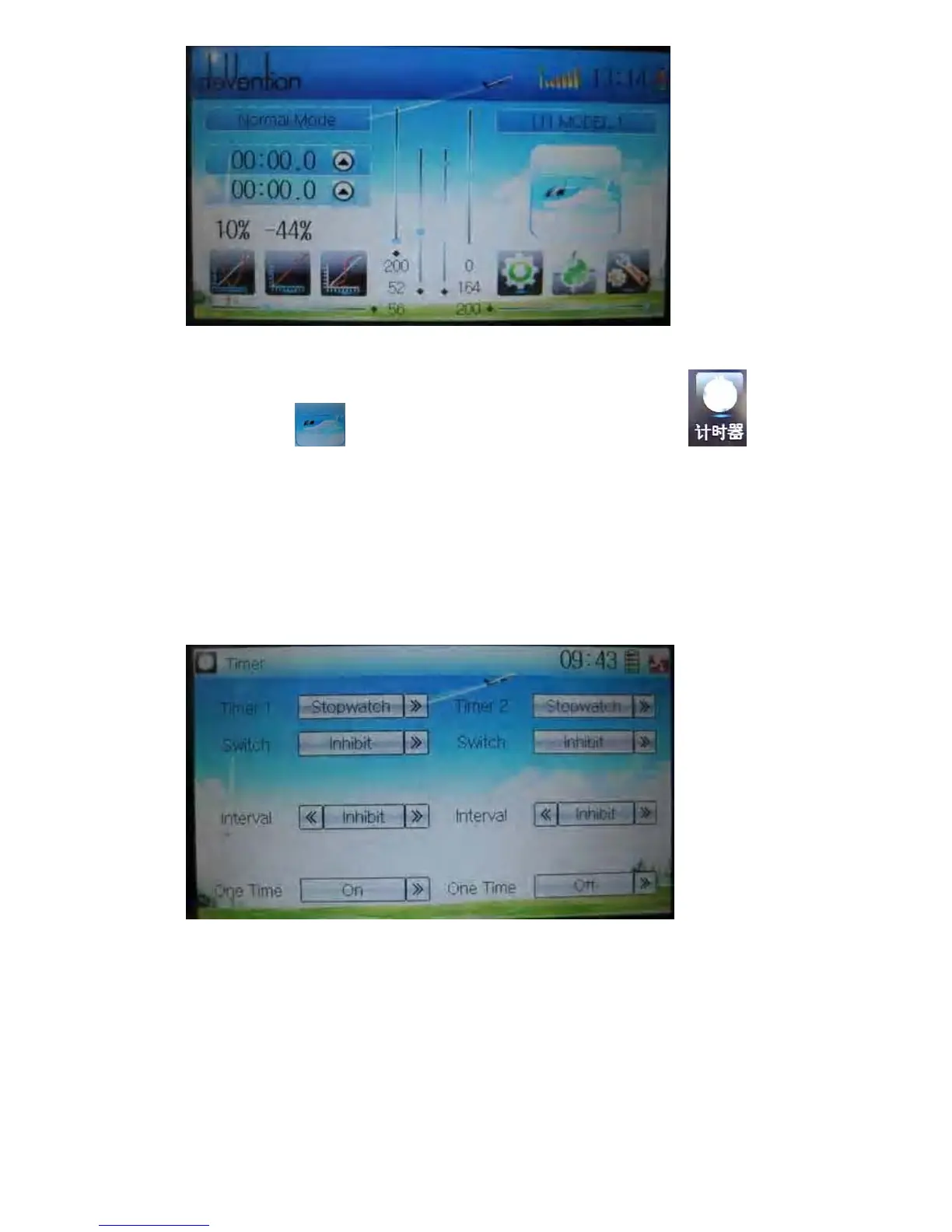
Touch the icon
to enter Function Menu, and then click the icon to
enter the interface of Timer.
A) Setting for Timer 1
1) Timer 1 setting
Touch the navigation mark of Timer 1 and expand a dropdown of Stopwatch and
Countdown. Select the desired timing method. The timing range of stopwatch is from
0 to 59:59 (59 minutes 59 seconds).
Stopwatch view:
Countdown view:



 To Next Page