EasyManua.ls Logo

Dexcom SEVEN PLUS - Page 136

Dexcom SEVEN PLUS
144 pages
Print Icon
To Next Page IconTo Next Page
To Previous Page IconTo Previous Page
Loading...
136 | SEVEN PLUS Continuous Glucose Monitoring System
11
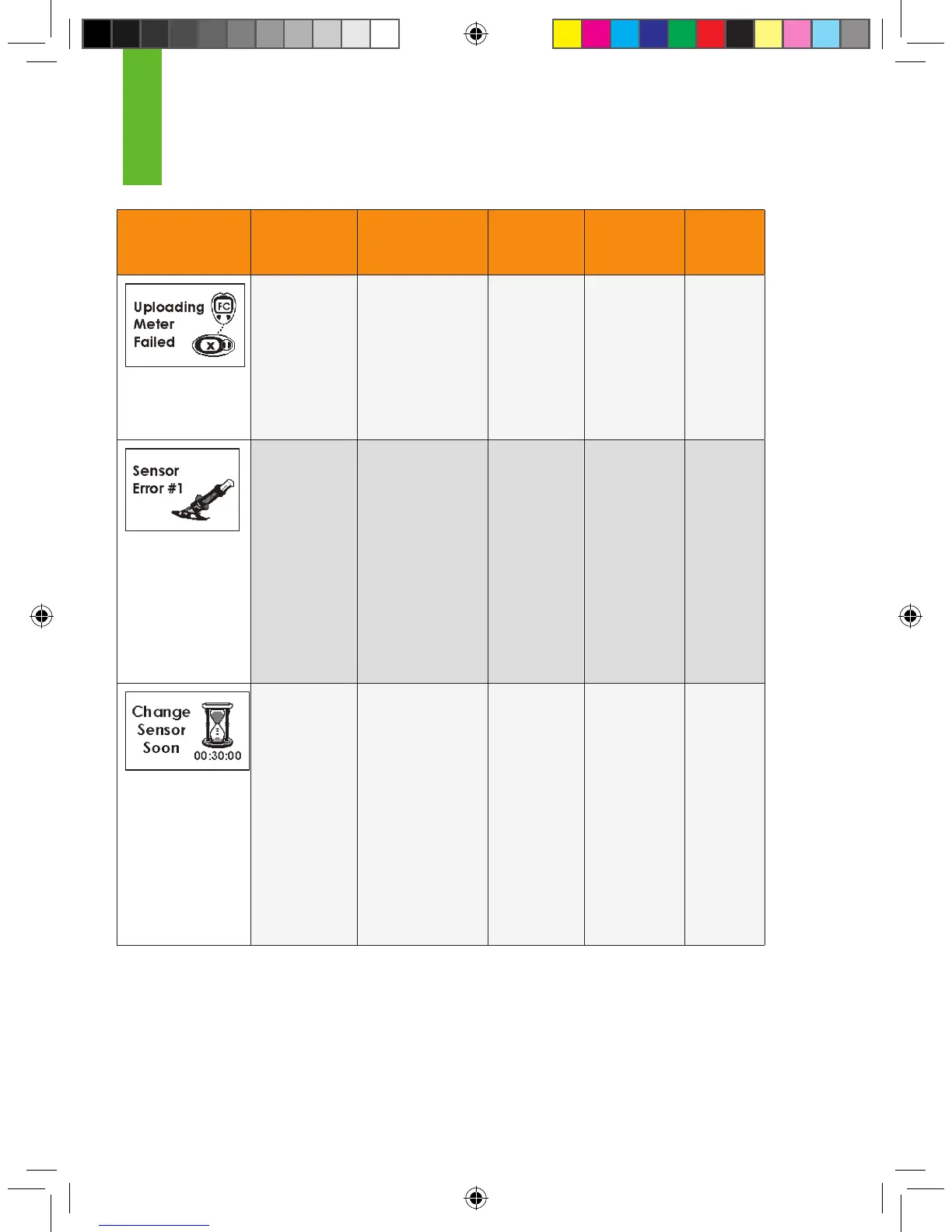
Screen Alert Title Description Re-Alert Clearing
Alerts
Re-Alert
After
Clear
Failed
Meter
Communication
Alert
There was a
problem with
communication
between the
OneTouch
Ultra Meter and the
Receiver using the
Connection Cable.
Every 5
minutes
Press C
button and
reconnect the
OneTouch
Ultra Meter.
None
Sensor
Error #0 and
#1 Alerts
The Sensor is
not calibrating
properly (see Section
8.4, “Error Code
Troubleshooting,” for
instructions on what
to do if you see this
screen).
Every 5
minutes
Press C
button
Every 15
minutes
until you
x the
problem or
your glu-
cose level
changes
enough
to x the
problem
itself
Sensor
Expiration
Alerts
Your Sensor will
soon expire, and
you will need
to change your
Sensor soon.
There will be no
sound when the
6-Hour and 2-Hour
screens display.
The 30-minute
screen will be set
to your Other Alert
options.
None for
6-hour and
2-hour.
2 times in
the next 10
minutes for
30-minute
Press C
button
None

Table of Contents

Other manuals for Dexcom SEVEN PLUS

Related product manuals