26 | SEVEN PLUS Continuous Glucose Monitoring System
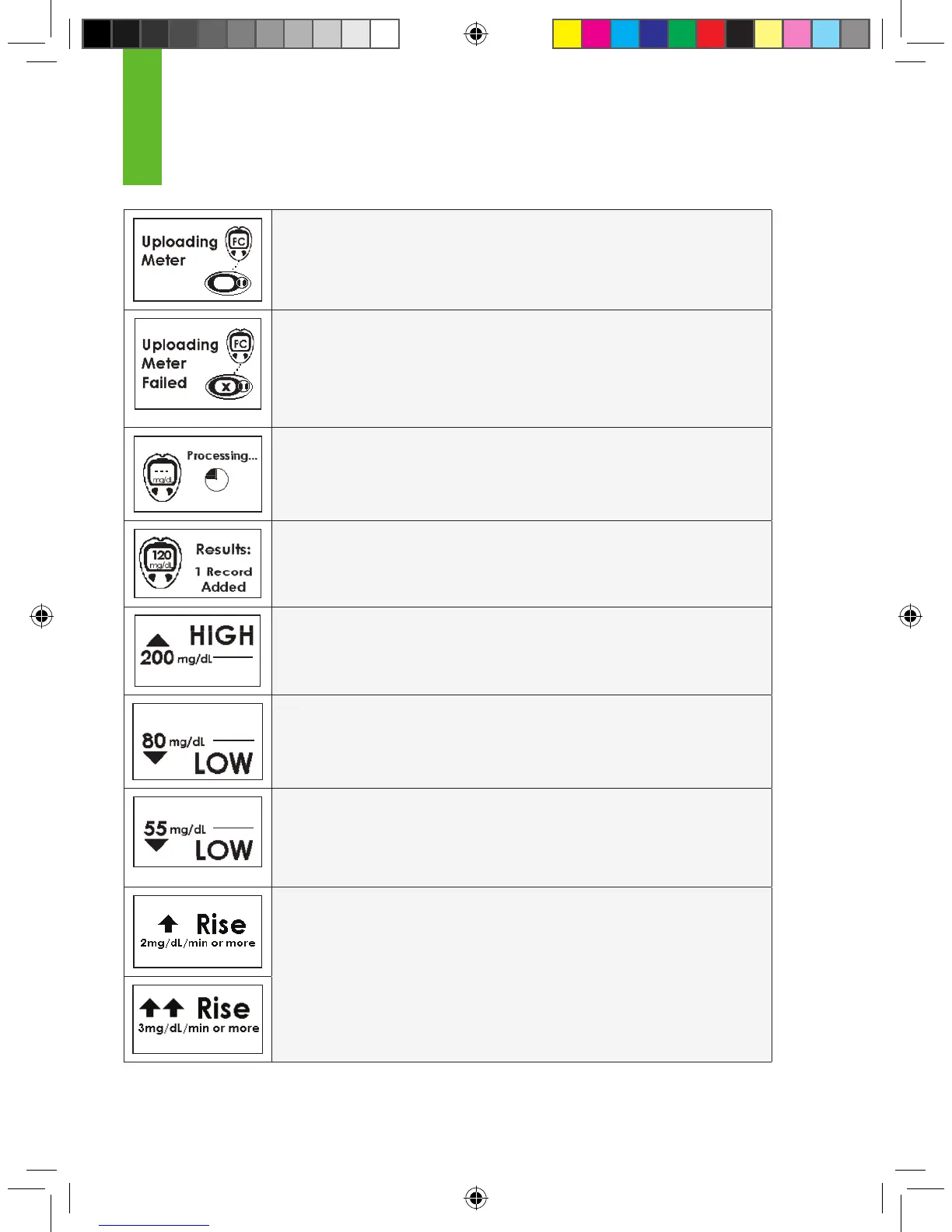
CONNECTION SCREEN (Auto Upload only): Your OneTouch Ultra
meter is successfully transferring ngerstick readings to the Receiver using Auto-
Upload with the Connection Cable.
CONNECTION FAILURE SCREEN (Auto Upload only): Your
OneTouch Ultra meter and the Receiver are not connected properly. Fingerstick
readings have not been successfully transferred. This screen will only be seen
when you attempt to use the Connection Cable. You should reconnect in the
proper order until you see the
Connection Screen or you should use OpenChoice instead.
METER READINGS PROCESSING SCREEN: The blood glucose
meter reading that you entered is being processed by the Receiver.
RESULTS ADDED SCREEN: The blood glucose reading
you entered into the Receiver was accepted by the Receiver
for calibration.
HIGH GLUCOSE ALERT: Your System reading is at or above the High
Glucose Alert level you set.
LOW GLUCOSE ALERT: Your System reading is at or below the Low
Glucose Alert level you set.
LOW GLUCOSE ALARM: Your System reading is at or below
the automatic Low Glucose ALARM. You cannot change this ALARM level.
You can set one of these (or neither), but not both.
RISE ALERT: Your glucose levels are rising at 2mg/dL per minute or more.
OR
RAPID RISE ALERT: Your glucose levels are rising fast at 3mg/dL per
minute or more.
1



 To Next Page