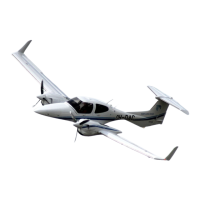
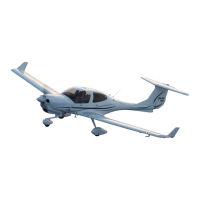
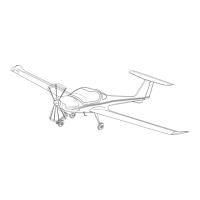
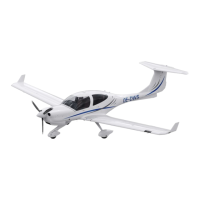
Airplane Description DA 62 AFM
7.13.2 PRIMARY FLIGHT DISPLAY (PFD)
The primary flight display (PFD; see figure below) typically displays airspeed, attitude,
altitude, and heading information in a traditional format. Slip information is shown as a
trapezoid under the bank pointer. One width of the trapezoid is equal to a one ball width
slip. Rate of turn information is shown on the scale above the compass rose; full scale
deflection is equal to a standard rate turn. The following controls are available on the PFD
(clockwise from top right):
* Communications frequency volume and squelch knob
* Communications frequency set knobs
* Communications frequency transfer button
* Altimeter setting knob (baro set)
* Course knob
* Map range knob and cursor control
* FMS control buttons and knob
* PFD softkey buttons, including master warning/caution acknowledgment
* Altitude reference set knob
* Heading bug control
* Navigation frequency transfer button
* Navigation frequency set knobs
* Navigation frequency volume and identifier knob
Page 7 - 80 Rev. 0 11-Jan-2019 Doc. No. 11.01.05-E


 To Next Page