Getting Started
Chapter 2 17
6. Under Protocol select SSH.
7. Choose Save to flash and Apply changes.
To access a port that has been configured for SSH, locate your preferred SSH
client and initiate a session to the IP address and port as shown:
ssh username@IPaddress 70XX
An example for port 3 on a Digi CM would be:
ssh root@192.168.100.25 7003
Adding, Editing, and Removing Users
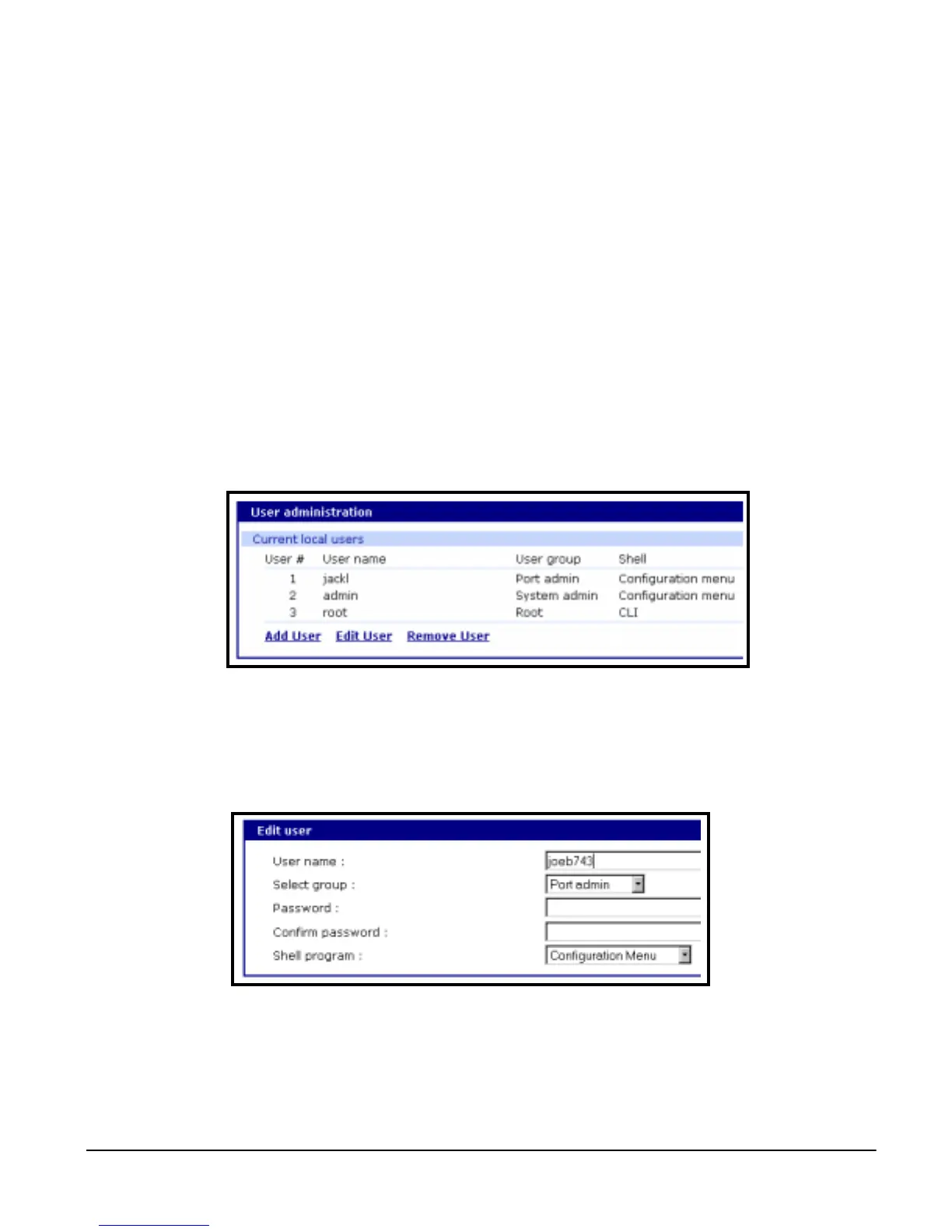
The system administrator can add, remove, or edit users from the web
interface. To add or remove users or edit user files do the following:
1. Access the web interface.
2. Under the System administration heading choose Users administration.
3. Choose Add User, Edit User, or Remove User.
• Add a user: Assign a name, user group, and a password
• Edit user files: Change user group, password, or their shell
• Remove a user: Remove a user from the system
4. Choose Save to flash and Apply changes.
Note: The root and admin users cannot be removed from the system. The password for
root can only be changed from the command line using the command passwd.



 To Next Page