System and Port Logging
Chapter 5 37
Partial logfiles can also be viewed on the web interface by going to Serial port
> Configuration > select a port you want to view > Port logging.
Using the Configuration Menu
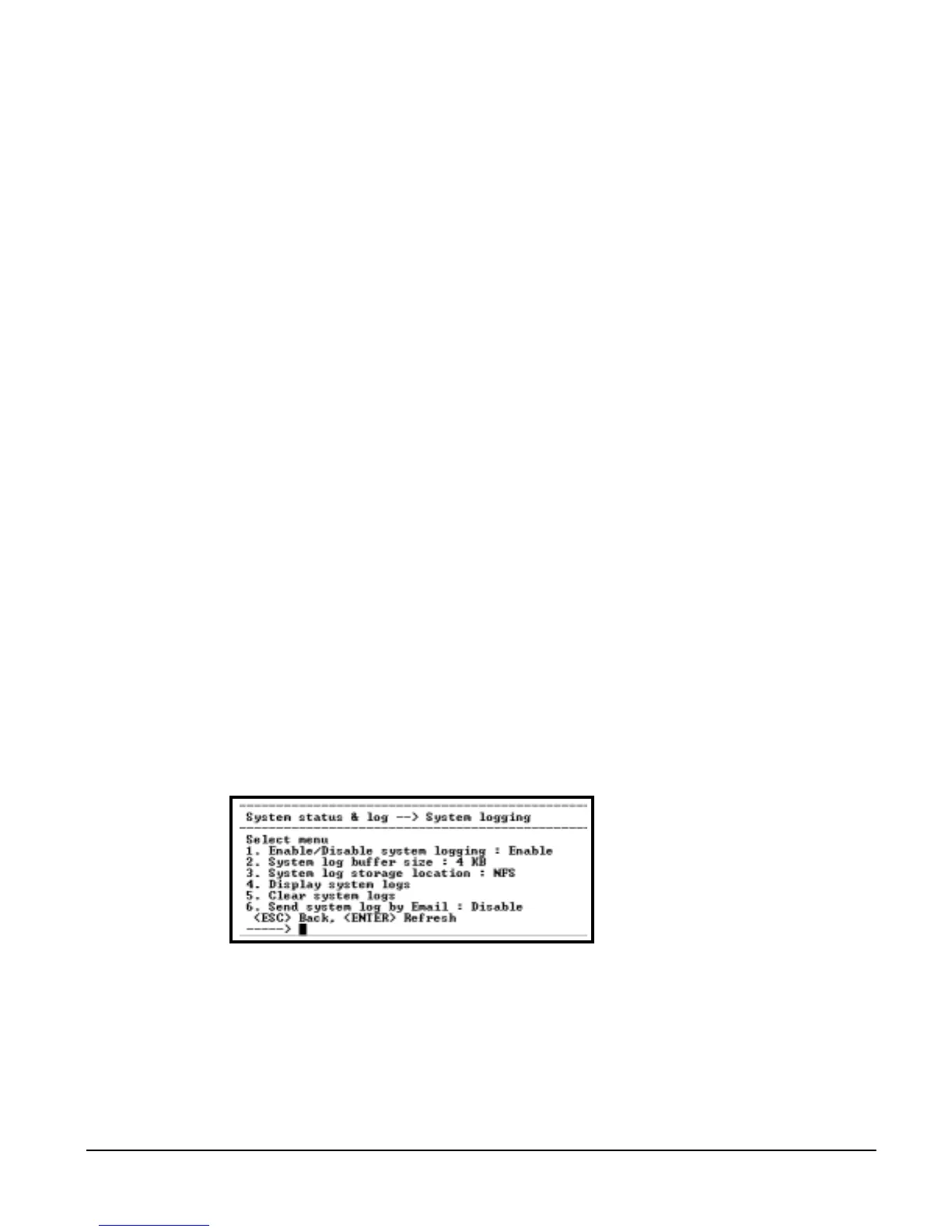
System Logging
System logging is a two part process. First, the device being used to record
the system logs must be configured. Secondly, system logging must be
configured for the system under System status and log. System logs can be
saved to the Digi CM system memory (there is no need to configure the
memory), a compact-flash card, an NFS server, or a Syslog server.
Configure the System Log Device
To configure the compact-flash card for system logging see "" on page 22.
For an NFS or Syslog server, do the following:
1. Access the configuration menu.
2. Choose Network configuration > NFS or SYSLOG server configuration.
3. Enter the desired parameters for the menu items.
4. Use the ESC key when all parameters are entered to return to the main
menu.
5. Choose Save changes.
Configure System Logging
To configure the Digi CM for system logging, do the following:
1. Access the configuration menu.
2. Choose System Status and log > System log.
3. Enter the desired parameters for the menu items.
4. Use the ESC key when all parameters are entered to return to the main
menu.
5. Choose Save changes.



 To Next Page