Configuring Port Clustering
64 Chapter 10
Configuring Port Clustering
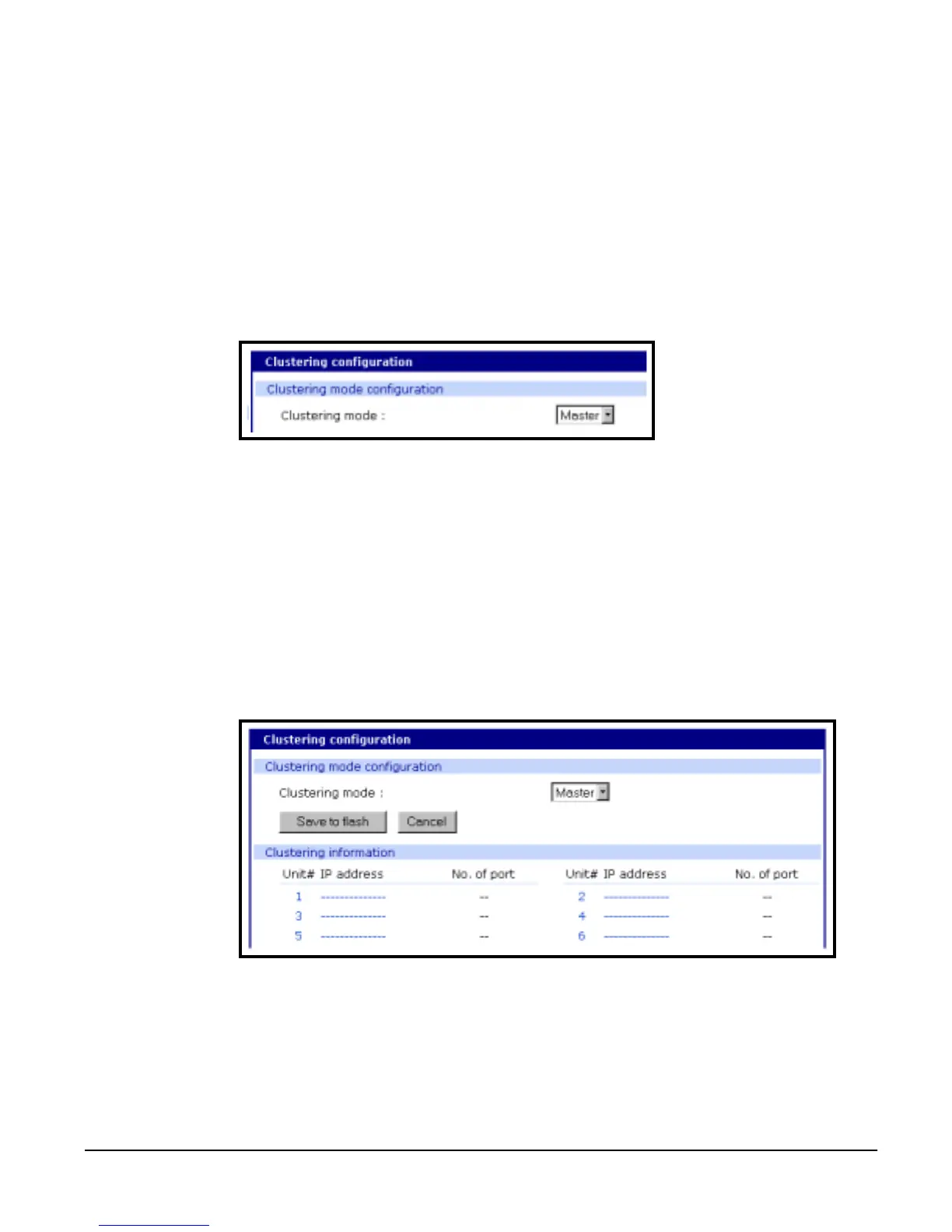
Assigning Master Clustering Mode
To assign a Digi CM as the Master cluster device, do the following:
1. Access the Digi CM through the web interface.
This Digi CM needs to be the unit you want as the Master.
2. Under the Clustering heading choose Configuration.
3. Choose Master from the drop down menu.
Subsequent units will be configured in Slave mode by default.
4. Choose Save to flash and Apply changes.
Configuring Slave Ports on the Master Unit
Ports on slave units are automatically Enabled and set to the Telnet protocol. If
you want to Disable some or all of the ports or you want to use a different
protocol, make these changes to the slave units before you Autoconfigure the
the slave ports on the Master unit.
To configure the slave serial ports on the Master unit, do the following:
1. Access the Digi CM through the web interface.
2. Under the Clustering heading choose Configuration.
3. Select the hyperlinked number under Unit# or the dashed line under IP
address.
.
4. Select Enable from the Enable/Disable this unit drop down menu.
A new configuration screen appears.



 To Next Page