Configuring Authentication Methods
50 Chapter 7
Configuring Authentication Methods
Users can choose between having a single authentication method such as
RADIUS or an authentication method where a Local authentication service is
used in addition to the RADIUS, LDAP, or TACACS+ server. These options are
listed when you configure the Digi CM for authentication. To configure a Digi
CM for authentication, do the following:
1. Access the web interface.
2. Under the Serial Port heading choose Configuration.
3. Choose All or an Individual port > Authentication.
4. From the drop down menu, choose an authentication method. A configura-
tion screen for that particular authentication method is displayed.
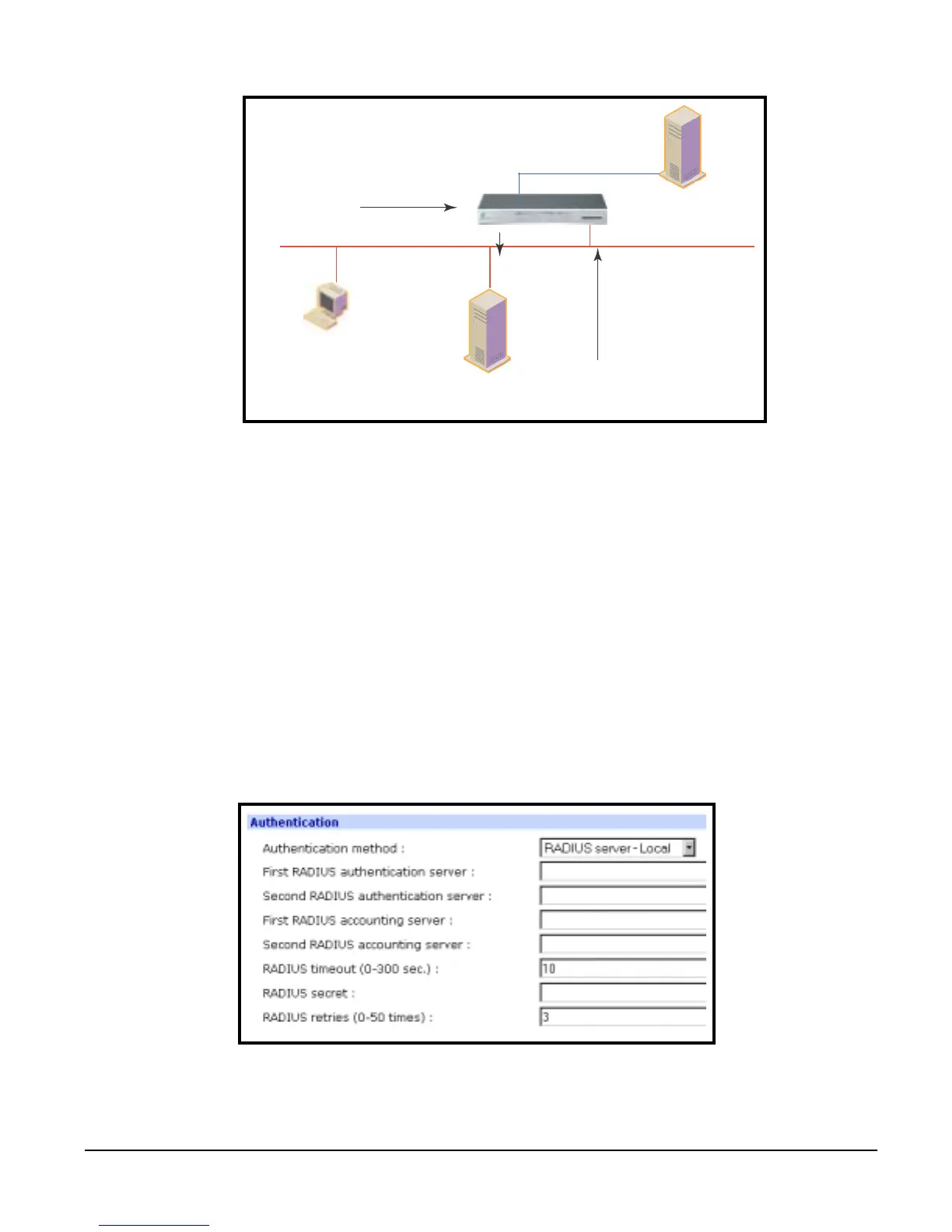
The following screenshot displays the parameters for setting up a RADIUS
server as the primary authentication server, then Local authentication if the
primary authentication method fails.
5. Fill in the appropriate fields.
6. Choose Save to Flash and Apply changes.
PC
Connection request
Authentication
server
Serve
1.
2. Query
User ID
3. Accept
User ID
4. Access granted



 To Next Page