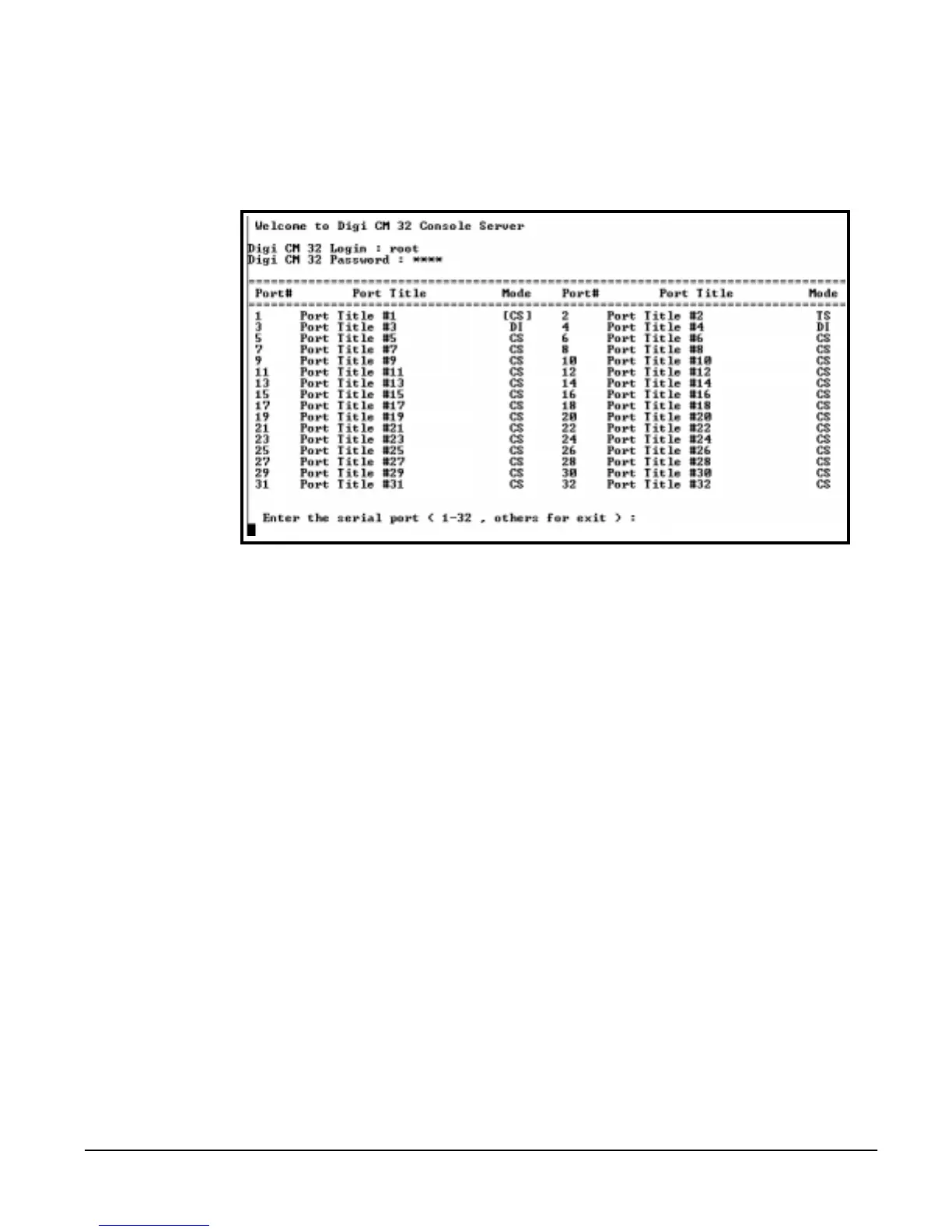
Port Access Menu
58 Chapter 8
Port Access Menu
Another default menu is the Port Access Menu. This menu is available to all
users. Access to this menu can be established through a Telnet or SSH
session, the web interface by selecting Serial ports > Connection > Port
access menu connection.
Users access this menu through a Telnet or SSH session using the IP address
of the Digi CM followed by the port number 7000. An example is:
telnet 192.168.100.200 7000
By default root is connected to the command line interface and the preceding
option allows the root user access to the port access menu.



 To Next Page