Configuring System Logging Services
34 Chapter 5
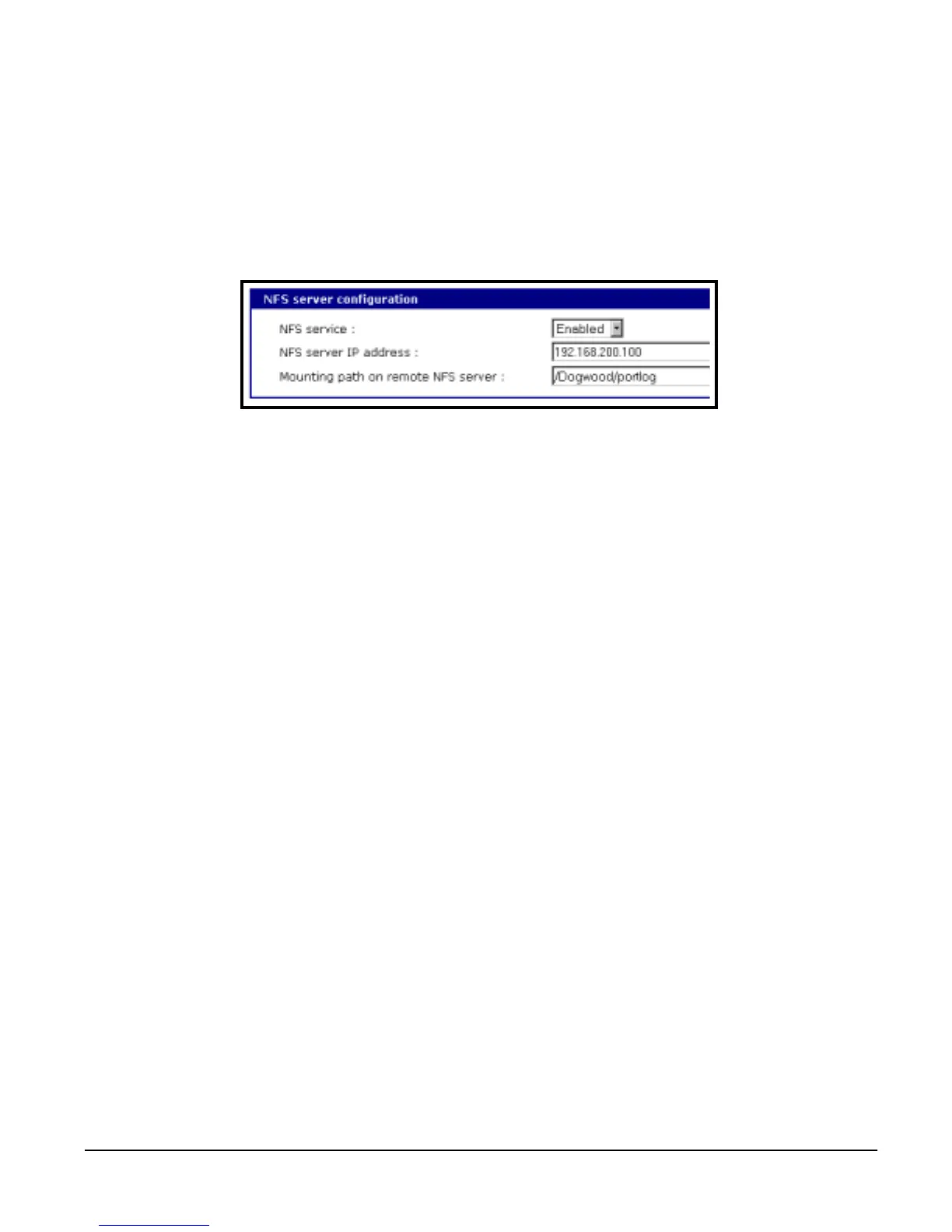
1. Access the web interface.
2. Under the Network Configuration heading choose NFS server configura-
tion.
3. Choose Enabled.
4. Enter the IP address of the NFS server and enter the mounting path on the
remote NFS server.
5. Choose Save to flash and Apply changes.
.
Enable A Compact-flash Card
The compact-flash card must be installed and configured on the Digi CM
before it can be used for system logging or storing Digi CM configuration
information. See "Adding a Compact-flash Card" on page 21.
Enable Digi CM Memory
The Digi CM memory is already enabled for port logging and only needs to be
configured for system or port logging. See "Configuring System Logging
Services" on page 34.
Configuring System Logging Services
To configure the Digi CM for system logging, do the following:
1. Access the web interface.
2. Under System status and log choose System logging.
3. Choose Enabled for System logging and the log buffer size.
4. From the System log storage location choose the location you want from
the drop down menu. The choices available are dependent on what you
have enabled and/or installed. The Digi CM memory choice is always avail-
able.
5. Choose to enable or disable email alerts and the number of log messages
to send. The default value is 5 seconds for the delay in log email
messages.
6. Enter the contact person’s email address.
7. Choose Save to flash and Apply changes.



 To Next Page