Making Custom Menus
54 Chapter 8
Creating Menu Names
To make a custom menu, do the following:
1. Access the web interface.
2. Choose Configuration under the Custom Menus heading.
3. Enter the Menu Name you want to assign and choose the Add Menu
button. The menu is added.
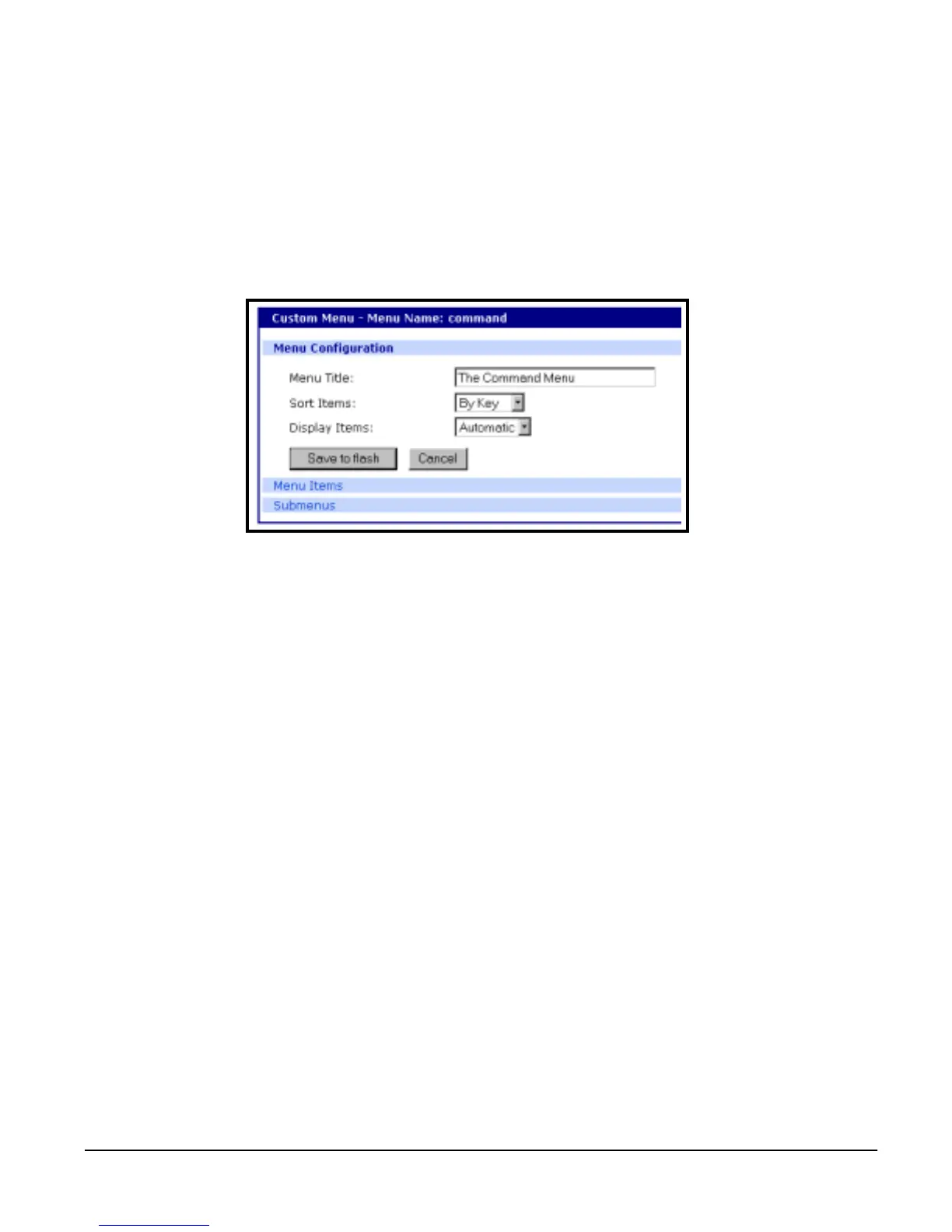
4. Choose the hyperlink to the menu you just created. From the drop down
menu select the way you want to Sort and Display items.
5. Choose Save to flash.
6. Repeat steps 2 through 5 to create additional menus.
Adding Menu Items
Once you have defined a menu name and added users, you can then add
menu items. To add menu items to a menu, do the following:
1. Choose Configuration under Custom Menus, then the Menu Name hyper-
link for the menu you want to configure.
2. Choose Menu Items > Add Item.
The following screen appears.



 To Next Page