Configuring Ports
Chapter 4 31
5. Choose Save to flash and Apply changes
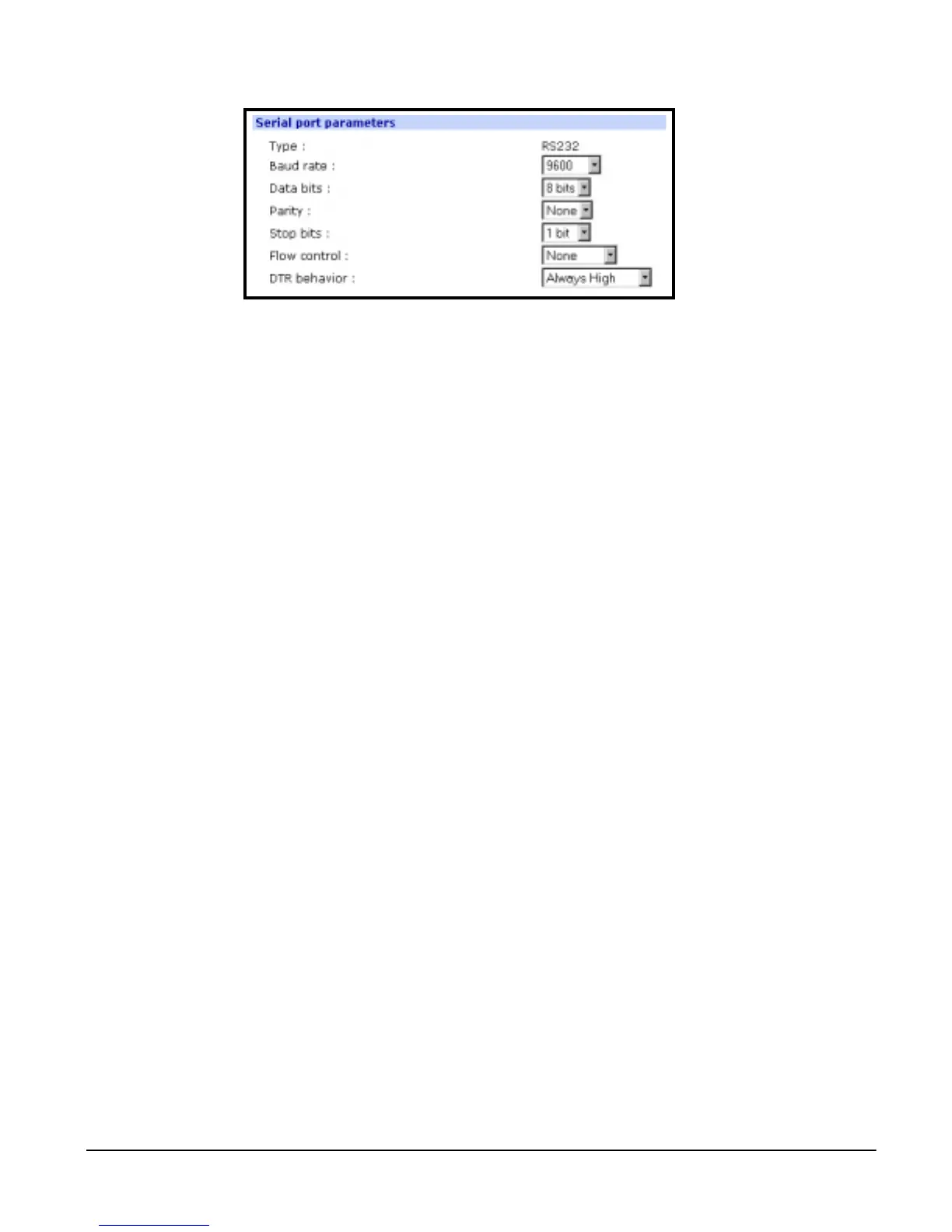
DTR Settings
DTR can be set on the serial port to one of three settings: always high, always
low, or High when open. Setting the DTR to High when open keeps the DTR
high if a TCP connection is established. The DTR setting cannot be set by the
user when the host mode is configured for dial-in modem or dial-in terminal
server mode.
Inter-character Timeout
This setting is only available when the host mode protocol is set for RawTCP.
The parameter sets the time value for the Digi CM to transfer data stored in the
buffer. The Digi CM transfers data when the buffer is full using the TCP/IP
protocol. However, if it is not full, the Digi CM will also transfer data dependent
on the timeout value selected.



 To Next Page