Custom and Default Menus
Chapter 8 53
Introduction
The Digi CM has several default menus built into the system for easy
configuration and access by different users. Depending on access privileges,
the menus available are the Web Interface, Configuration Menu, and a Port
Access menu. A custom menu feature for creating menus is also available
through the web interface.
The Digi CM custom menu feature enables system administrators to create
their own menus for specific users. The custom menuing feature also enables
the administrator to make several levels of submenus.
Making Custom Menus
Before you begin making custom menus, you should plan what kind of menus
and menu items you want available to your users. A good plan would be to:
1. add users to the system
2. create a menu name with sort and display features
3. add menu items and submenus to the new menu
4. assign users to the menus
Adding Users
You cannot assign users to a menu until you have added users to the system.
To add users, do the following:
1. Access the web interface.
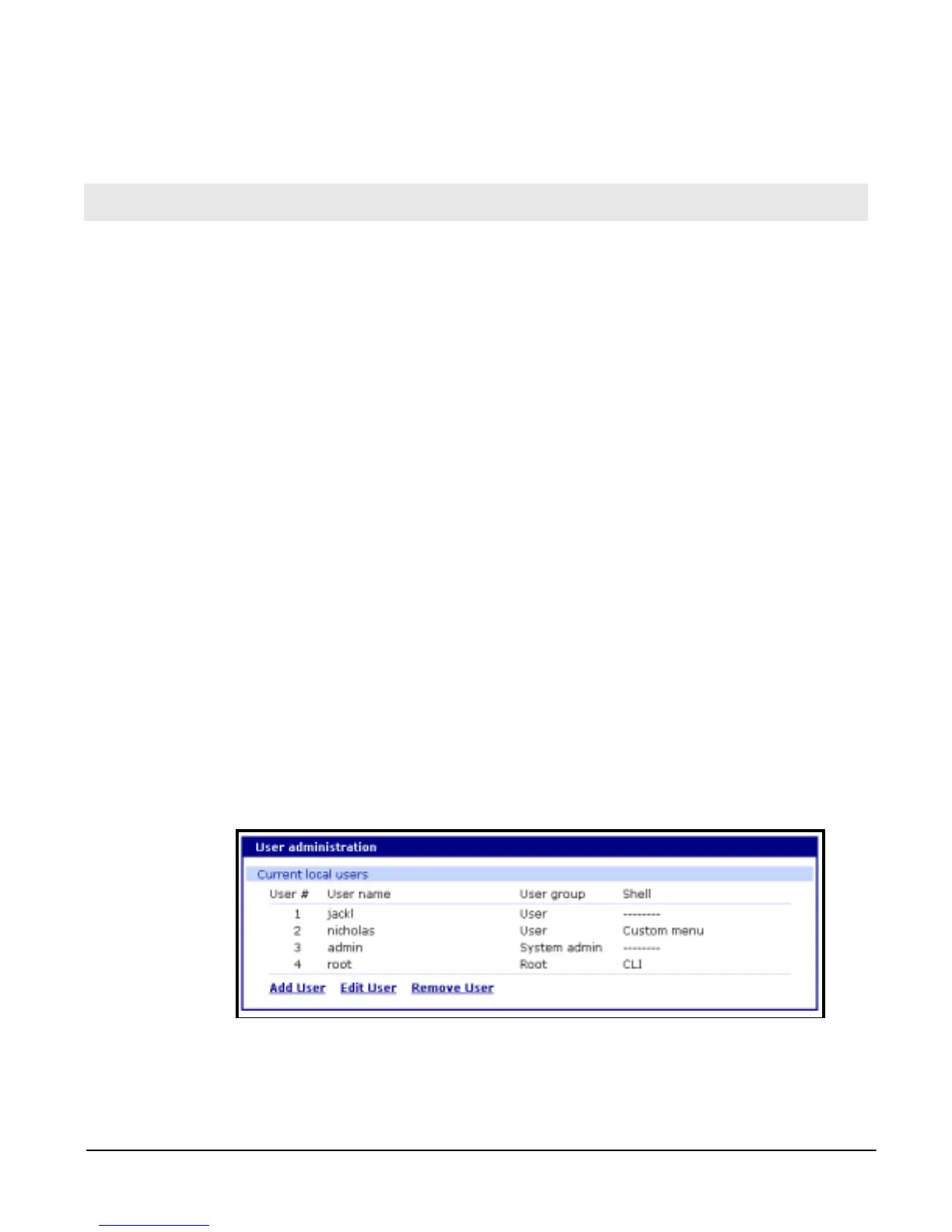
2. Choose Users administration under the System Administration heading.
3. Choose Add User > fill in the parameters you want to assign the user.
4. Choose Custom menu for the Shell program.
5. Choose Add to add the user.
Continue to add users as needed.
You do not need to Save to flash or Apply changes to add users.
Chapter 8
Custom and Default Menus



 To Next Page